
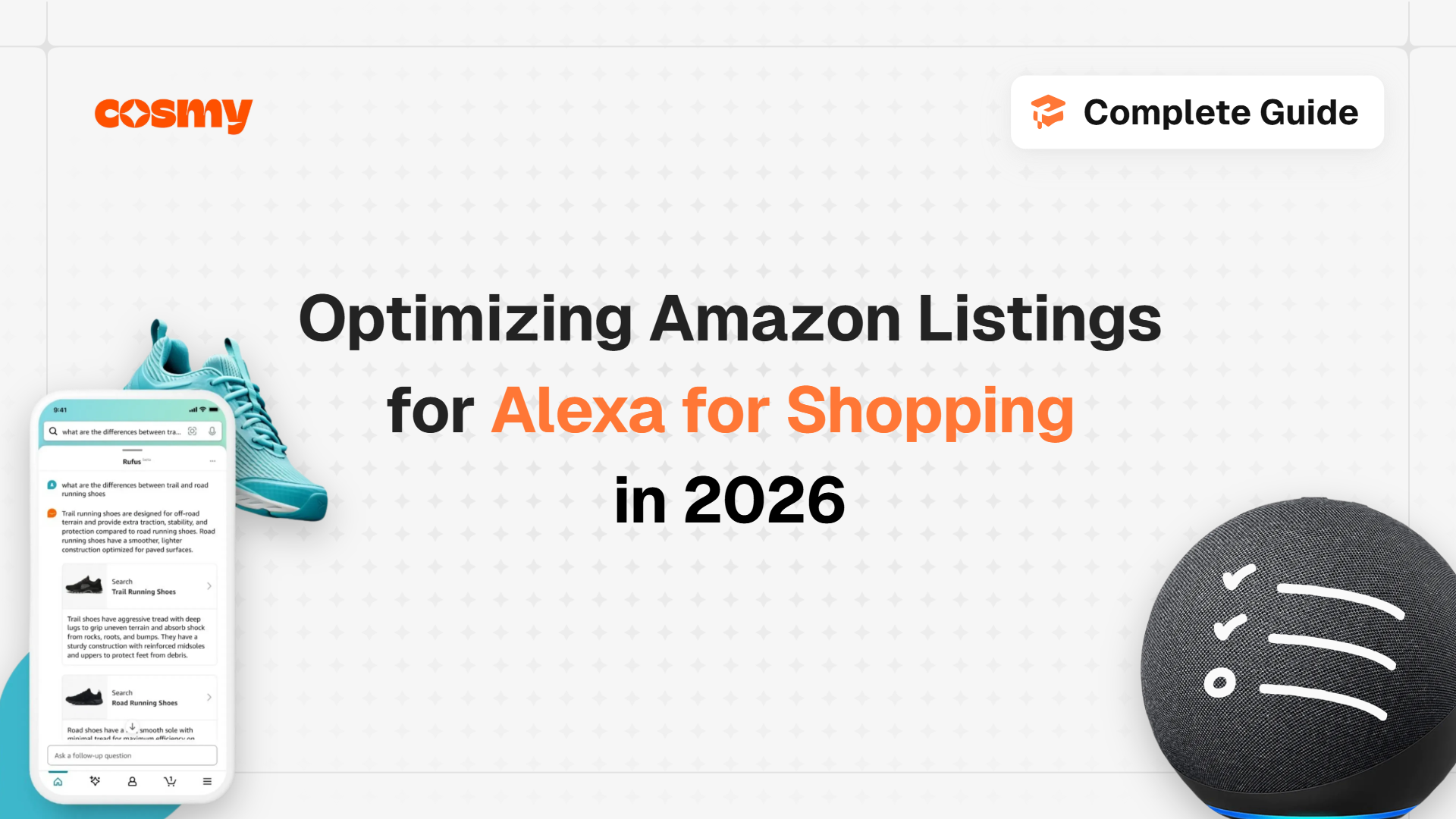
Alexa for Shopping (formerly Rufus) is Amazon's AI shopping assistant. It answers buyer questions by reading your listing, so optimizing for it means making the listing answer questions rather than carry keywords. Four fields do most of the work: the title, capped at 75 characters since 27 July 2026; item highlights, at 125 characters; the bullet points, which should each answer one buyer question; and the structured attribute fields, which hold the hard facts. Every question your listing leaves unanswered gets answered from your reviews instead, or not at all.
Why this matters now
Amazon CEO Andy Jassy told investors on 5 February 2026 that more than 300 million customers used Rufus in 2025, and that customers who used it were about 60% more likely to complete a purchase. On 13 May 2026 Amazon retired the Rufus name and moved the assistant into the main search bar as Alexa for Shopping. It is free for every signed-in US customer, with no Prime membership or Echo device required.
It is no longer a chat window shoppers choose to open. It sits on the path to the buy button.
Where Alexa for Shopping shows up
Open any product page on amazon.com and the assistant is already there. On the Stanley Quencher ProTour listing (ASIN B0H1YLJZFF), checked on 23 September 2026, four separate AI surfaces appear before the reviews:
→ Ask Alexa, with three suggested questions Amazon wrote for this product: "How long does it keep drinks cold?", "Is the flip straw really leakproof?", "Does it fit standard cup holders?"
→ Why you might like this, a personalized summary.
→ Compare with similar, a side-by-side against other products.
→ Customers say, a paragraph Amazon generates from the text of reviews.
Beyond the product page, the assistant answers questions typed straight into the search bar, compares products from search results, and tracks up to a year of price history, according to Amazon's launch announcement.
Ads are inside it too. Amazon moved Sponsored Products prompts and Sponsored Brands prompts to general availability in the US on 25 March 2026, billed per click like any other sponsored placement. Daniel Rausch, Amazon's vice president for Alexa, told CNBC at launch that Alexa for Shopping will feature ads where they are relevant.
The practical point: a shopper can now get a recommendation, a comparison and an answer without scrolling to your bullets. Your listing still supplies the material. It just gets read by the assistant before it gets read by a person.
What Alexa for Shopping reads, in order
The assistant is not running a keyword match. It is answering a question a shopper typed in their own words, and it assembles that answer from whatever your listing makes available.
In practice it draws on four sources, and they are not equal.
| Source | What it is good for | How much control you have |
|---|---|---|
| Structured attributes | Hard facts: material, dimensions, compatibility, capacity | Complete. You fill these in. |
| Title and item highlights | Identity and the headline differentiator | Complete, within the character caps |
| Bullets, description and A+ text | Use cases, benefits, the reasoning a buyer needs | Complete |
| Reviews and customer questions | Everything your copy failed to say | None. Other people write these. |
That last row is the one worth sitting with. When your listing does not answer a question, the assistant does not give up. It answers from the reviews instead. You have not avoided the answer. You have outsourced it to your customers, and they will phrase it their way rather than yours.
Amazon has not published how it weights these sources against each other. Anyone who gives you exact weights is guessing.
The 75-character title cap, and what it broke
Amazon capped product titles at 75 characters including spaces on 27 July 2026, announced on Seller Central on 10 June 2026. It applies to every category except media.
This broke a decade of Amazon title convention. The old approach was to pack the title with every keyword variant that might match a search. That approach does not fit in 75 characters, and it was never what the assistant wanted anyway.
Take a real listing. ASIN B0G2MZ7JHC, a JBL Grip portable speaker, carries a title of 194 characters:
JBL Grip Portable Bluetooth Speaker, Waterproof, Ambient Light - Teal | Up to 14 Hr Playtime, AI Sound Boost, IP68 Waterproof And Dustproof, Drop-Proof, App Control, Ideal For Outdoor And Travel
That is 119 characters over. Cut at the cap, it ends mid-phrase at "Up", losing the playtime, the IP68 rating, drop-proof, app control and every use case. It keeps "Ambient Light", which few shoppers search for.
Three things survive a 75-character title: brand, product type, and the single fact most likely to decide the purchase. Everything else has somewhere better to go.
Item highlights: where the detail went
Item highlights allows 125 characters, and Amazon's own help page points sellers there for the descriptive detail a title can no longer hold.
The Stanley listing shows the pattern working. Its title is 67 characters:
STANLEY Quencher ProTour Flipstraw Tumbler, 30 oz, Emerald Honeydew
Directly beneath it sits a 110-character highlights line:
Built-In Straw & Handle | Cupholder Compatible for Travel | Leakproof Insulated Stainless Steel Cup | BPA-Free
Brand, product and size in the title. Four hard facts underneath. Two of the three questions Amazon suggests for this product, leakproof and cup holders, are answered before the shopper scrolls.
Treat the field as overflow for facts, not adjectives. A fact that lives in a field is a fact the assistant can retrieve. A fact that was truncated out of a title no longer exists anywhere on the page.
Bullets as answers, not keyword slots
The old bullet was a keyword container with a benefit bolted on. The useful bullet answers one buyer question outright.
The test is simple. Read the bullet, then ask what question it answers. If you cannot name one, it is decoration.
The Stanley listing is a strong one, and it still shows the gap. Amazon's first suggested question is "How long does it keep drinks cold?" The relevant bullet says:
ICE-COLD REFRESHMENT, ALL DAY: Thanks to double-wall vacuum insulation, your drinks stay ice cold for hours.
"For hours" is not a number. So the answer comes from reviews, and the reviews disagree. Amazon's own review summary calls ice retention mixed: some buyers say ice lasts all day, others say it melts within an hour.
The fix is one sentence the brand can write and nobody else can:
→ Before: "your drinks stay ice cold for hours"
→ After: "keeps drinks ice cold for [the number of hours the brand has tested], lid closed"
The same test applies to every bullet. Adjectives give the assistant nothing to quote.
→ Weak: "PREMIUM QUALITY MATERIALS for long lasting durability and everyday use"
→ Better: "18/8 stainless steel body. Dishwasher safe on the top rack. Holds 30 oz."
Write five bullets against the five questions a buyer asks before purchase. If you do not know what those are, Amazon now shows you: open your own product page and read the suggested questions. Then read your reviews and unanswered customer questions. All three are free and all three are in the language shoppers use.
Structured attributes: the layer most sellers leave empty
This is the highest-return work in the whole listing, and it is the least done.
Structured attributes are the fields behind the listing: material, dimensions, capacity, compatibility, certifications, intended use. They are dull to fill in and mostly invisible on the page. On the Stanley page, five of them sit above the bullets: brand, material, color, capacity and special feature.
An empty attribute field is not neutral. It is a question the assistant has to answer from somewhere less reliable, or cannot answer at all. Either outcome hands the sale to a competitor who filled the field in.
Work through them in this order:
→ Identity: brand, model, GTIN. Nothing works properly without these.
→ Physical: dimensions, weight, capacity, material, color.
→ Fit: compatibility, sizing, what it works with.
→ Context: intended use, target audience, age range, care instructions.
A+ content is a data source, not a design asset
Most brands treat A+ content as the place for lifestyle photography and brand storytelling. The more useful view: A+ is the best home for detail that has nowhere else to go. Sizing charts, compatibility matrices, materials, care instructions, what is in the box. All of it answers real buyer questions, and none of it fits in 75 characters or five bullets.
Amazon has not said whether the assistant reads text rendered inside an image. Some agencies claim it does. Amazon has not confirmed it. Do not bet the answer on it.
Two practical rules.
→ Put facts in text, not in images. A comparison chart built as an A+ comparison module is real text. The same chart exported as a JPEG may not be read at all. Rebuilding it costs nothing.
→ Mirror every image claim in copy. If a certification, use case or audience appears only in an infographic, add it to a bullet, the description or an attribute field. This is not keyword stuffing, which repeats a phrase for a matching algorithm. It is making sure a fact exists in a form every system can read.
A worked rewrite on a real ASIN
Back to the JBL listing. Rewritten against the cap, the title fits in 74 characters:
JBL Grip Portable Bluetooth Speaker, Waterproof IP68, 14 Hr Playtime, Teal
Brand, product type, the waterproof rating, the battery life, the color. The playtime survived this time because it was chosen, not left to the truncation point.
The overflow moves to item highlights, in 85 characters:
AI Sound Boost, drop-proof, app control, ambient light. Ideal for outdoor and travel.
Nothing was deleted. The facts most likely to be asked about are now the ones a shopper sees first.
For contrast, the Stanley title runs to 67 characters and needs no work at all. You cannot tell these two apart by eye. One is 119 characters over, one is 8 under. Counting is the only way to know which you have.
How to tell whether it worked
There is no ranking to check, because the assistant generates an answer rather than a results page. So you test it the way a shopper would.
Start with the questions Amazon already suggests on your product page, then add your own until you have ten. Ask the assistant all ten about your product, on the mobile app and on desktop. For each answer, record three things: is it right, is it complete, and did it come from your copy or from reviews. An answer sourced from reviews is a gap you can close.
Repeat the same ten questions, in the same words, a month after your changes go live. The comparison is the measurement. One run tells you nothing. The change between runs tells you whether the work landed.
The mistakes that cost you answers
Five patterns show up repeatedly, and all five are self-inflicted.
→ Keyword stuffing that survived the title cap. Cramming variants into item highlights or the first bullet because they no longer fit in the title. A bullet that reads as a keyword list answers nothing.
→ Adjectives where numbers belong. "For hours", "long lasting", "premium quality". Each one is a question the assistant will answer from reviews instead.
→ Contradicting yourself across fields. A title that says 30 oz, an attribute field that says 32, and a bullet that says "about a liter". When sources disagree, the safest thing an assistant can do is not answer.
→ Leaving the obvious unstated. Sellers omit what feels too basic to mention: what the product is for, who it suits, where it is used. Those are exactly the questions shoppers ask, and implied information is not retrievable information.
→ Optimizing the parent and ignoring the variants. Size and color variants are where over-length titles and empty attributes accumulate unseen.
The common thread: each one makes the listing harder to read as a set of facts, and none of them looks like a problem to a human skimming the page.
What Amazon has not confirmed
Most guides state these as fact. None of them is documented by Amazon, and saying so is part of giving you advice you can trust.
→ How each source is weighted. Attributes versus bullets versus A+ versus reviews. Unknown outside Amazon.
→ A minimum star rating. A 4.0-star cutoff for recommendations is widely repeated. Amazon has never stated one.
→ How fast changes show up. Estimates of 10 to 14 days come from seller observation, not Amazon.
→ International timing. The launch is US only. Amazon has published no date for other marketplaces.
→ How ads blend into answers. Sponsored prompts are live and billed. How they sit alongside organic recommendations is not documented.
Plan around what is known, and test the rest on your own listings.
Where Alexa for Shopping ends and CoSMo begins
These are two different Amazon systems, and confusing them wastes effort.
Alexa for Shopping answers questions. It reads your listing to respond to what a shopper asked, in the shopper's words.
CoSMo is Amazon's commonsense knowledge graph. Amazon researchers described it at SIGMOD 2024: a system that learns why people buy things, such as who a product is for, where it is used and what it is used with, from search and purchase behavior across 18 product categories. Amazon has deployed it in search navigation.
The two reward the same thing from different directions. A listing that states its audience, its use cases and its context in plain words gives the assistant answers to quote and gives CoSMo relations to match. The full breakdown, including the 15 relation types CoSMo maps, is its own guide: What Is Amazon CoSMo?.
What to do next
- Count your title, including spaces. Over 75 characters means Amazon is already truncating or rewriting it, and choosing for you what to lose.
- Move the lost detail into item highlights, within 125 characters. Facts, not adjectives.
- Answer Amazon's suggested questions in your copy. Open your own product page, read the questions under Ask Alexa, and make sure each has a sentence in your listing that answers it with a number or a fact.
- Fill every structured attribute field. Identity first, then physical, then fit, then context.
- Run the ten-question test now and again in a month. Record where each answer came from.
Where to start
The fastest way to see what the assistant can and cannot answer about your product is to look at the gaps directly. A free Cosmy account at cosmy.ai runs an Alexa for Shopping analysis on one of your ASINs and returns a gap report: the buyer questions your listing does not answer, and what is missing.