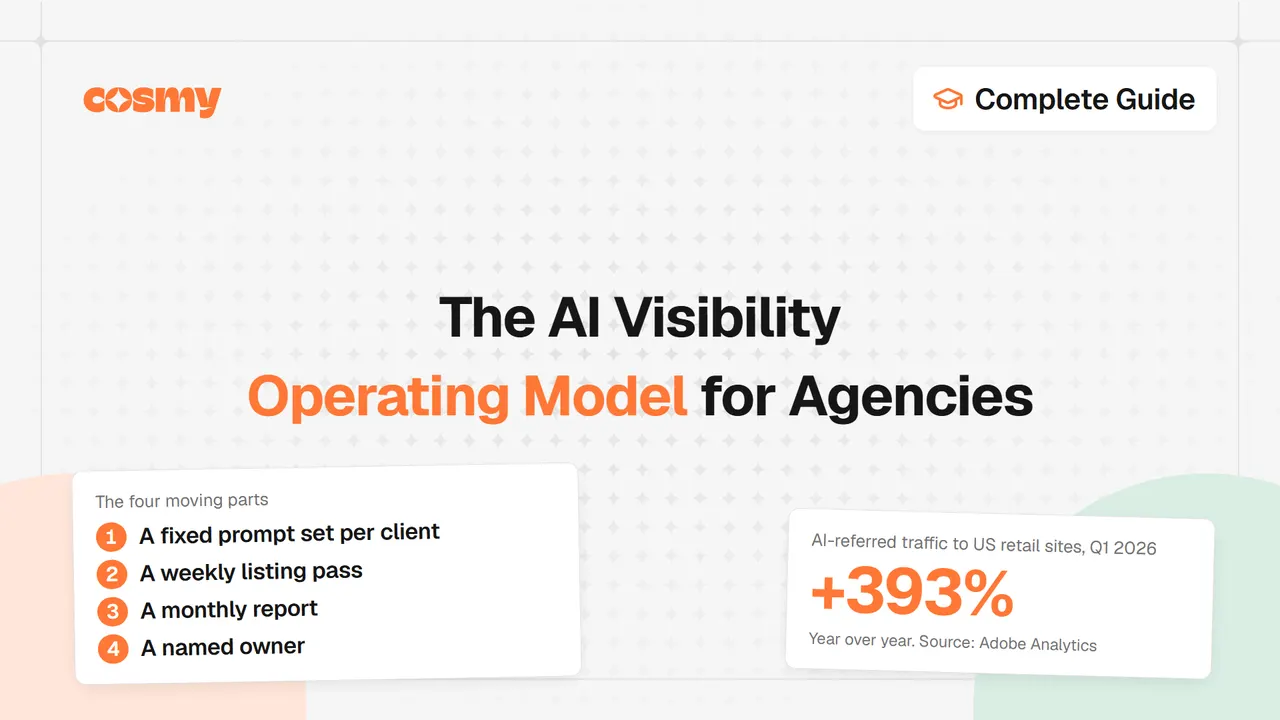
Running AI visibility across a client roster works best as a weekly cadence, not a project. Here is the cadence we recommend. A fixed prompt set per client, run on the same date each month. A weekly listing pass on the accounts with the largest gaps. A short monthly report. One named owner per account. This is a proposed model, not a measured one: the pieces are built from public data and Amazon's own announcements, and you should adjust them to your team.
Why this matters
AI-referred traffic is no longer small enough to ignore. Adobe Analytics reported that traffic from AI sources to US retail sites grew 393% year over year in Q1 2026 (January to March), and that in March 2026 it converted 42% better than non-AI traffic. Agencies that treat this as a one-off audit will rerun it every quarter from scratch.
Why is this a cadence, not a project?
A project has an end date. AI visibility does not. The surfaces change, your clients' catalogs change, and Amazon changes the rules on you.
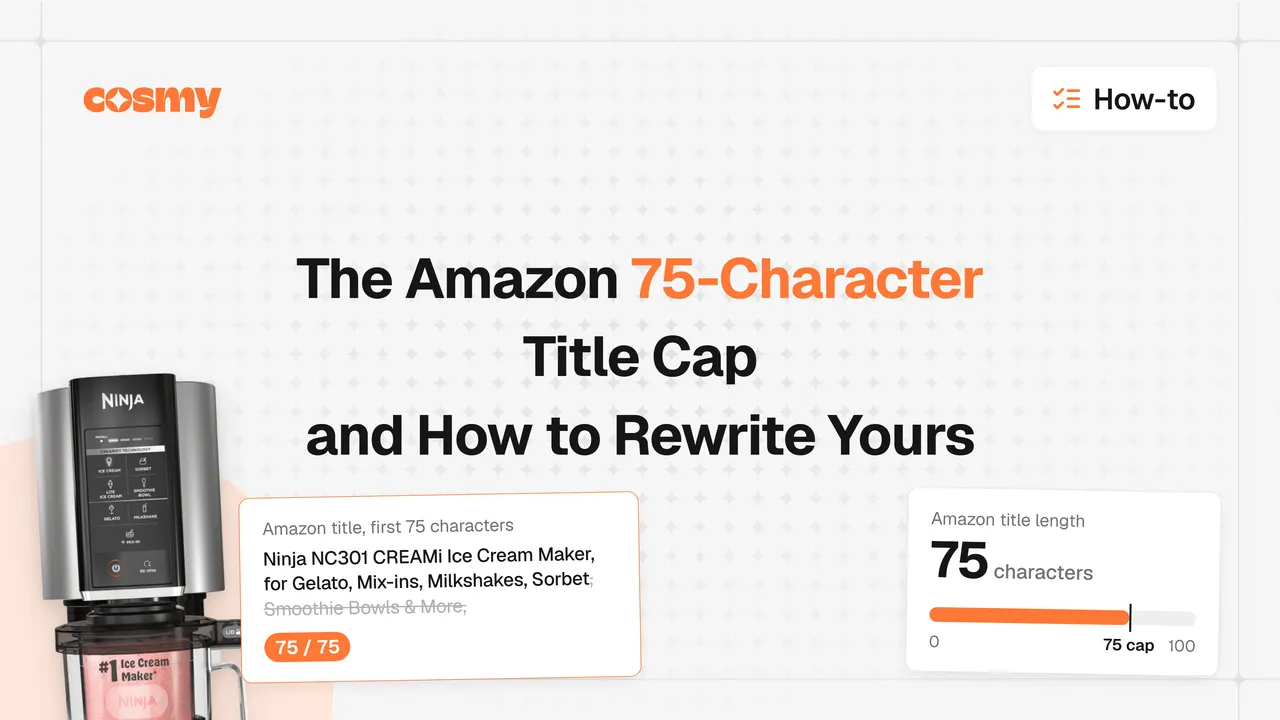
Take the title cap. In its Seller Central announcement, Amazon said that starting 27 July 2026, titles in all categories except media must be 75 characters or less including spaces, with a new Item Highlights field adding 125 characters. Amazon also said that after 27 July, titles still over 75 characters would be updated to its AI recommendation gradually, and that brand owners get 14 days to review, modify and approve those recommendations before they go live.
Now picture that across 20 client accounts. Each has its own brand rules, its own catalog and its own approver. A project plan cannot absorb that. A cadence can: the weekly pass picks up the change, the owner checks the queue, and the monthly report shows what moved. We walk through the title change itself in Amazon title 75-character cap.
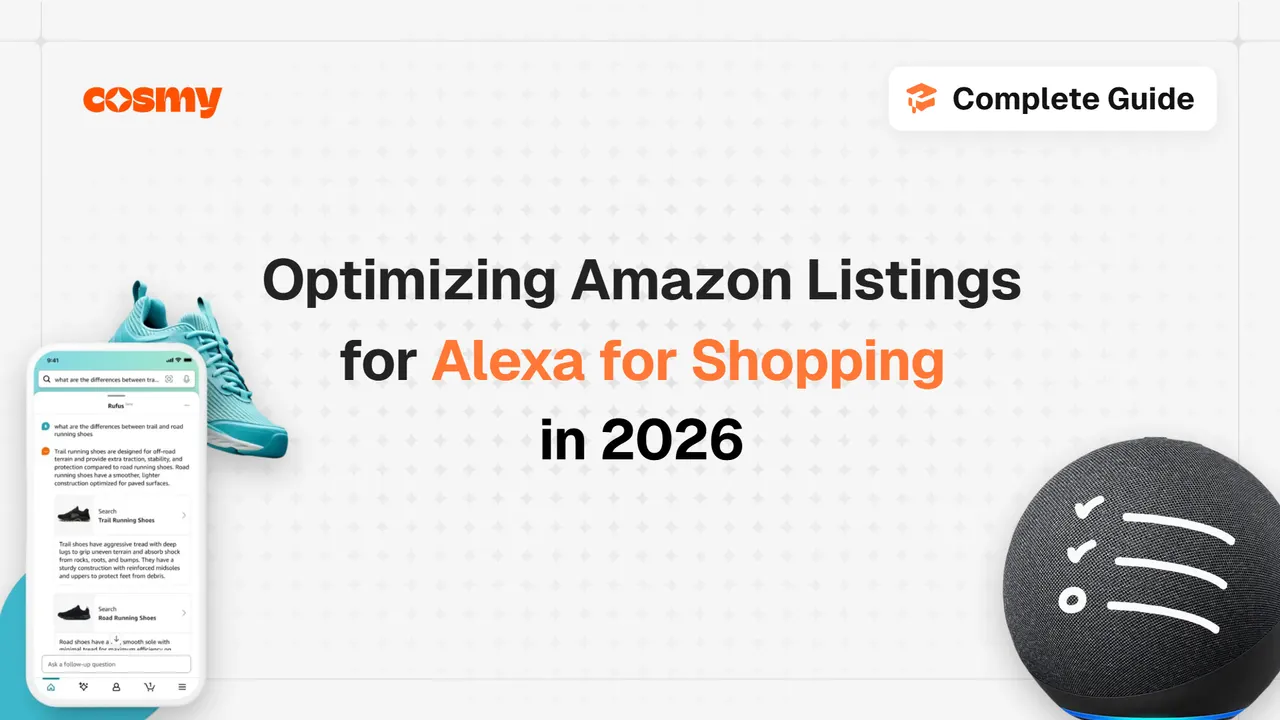
The scale of the shopping assistant matters too. Amazon's Q4 2025 results release said its shopping assistant, now called Alexa for Shopping (formerly Rufus), "was used by 300 million+ customers" and helped deliver nearly $12 billion in incremental annualized sales last year. Amazon's Q3 2025 results release added that shoppers using it are 60% more likely to complete a purchase. Those are Amazon's own numbers about its own assistant, so read them as context, not as a promise about any one client.
What are the four moving parts?
The model has four parts. Each one answers a question your client will eventually ask.
→ A fixed prompt set per client. Which buyer questions should this brand show up for?
→ A weekly listing pass. What are we fixing this week, and on which accounts?
→ A monthly report. Did we show up more than last month, and where?
→ A named owner. Who is responsible when it slips?
Everything else in this article is detail on one of those four.
The method behind the prompt set is covered in How to measure AI shopping visibility. This article is the operating layer on top: who does what, and when.
Week one: how do you build the baseline?
Start with one account, not the whole roster. Do not touch a listing until the baseline exists. Without it you cannot tell whether anything you change did anything.
We recommend this order:
→ Write the prompt set. Around 30 buyer questions per client is a workable size: enough to cover the catalog, small enough to rerun by hand. Mix category questions ("best insulated tumbler for commuting"), comparison questions and problem questions. Write them from buyer language, not from the brand's product names.
→ Pick the surfaces. Alexa for Shopping (formerly Rufus) first for an Amazon account. Add ChatGPT, Gemini and Perplexity if the client sells beyond Amazon.
→ Run the set once and record it. For each prompt and each surface, note whether the brand is cited, which products appear, and which competitor domains show up instead.
→ Fix the date. Choose the monthly rerun date now. Do not move it.
→ Rank the catalog. List the ASINs with the most empty or thin attribute fields. That ranking drives the weekly pass.
A spreadsheet is enough for all five steps. A tool can speed up the listing analysis later, but the baseline does not depend on one.
What goes into the weekly pass, and what do you skip?
The weekly pass is the part that turns the baseline into work. Keep it short and keep it ordered.
Do, in this order:
→ Attribute completeness first. Fill empty attribute fields on the top-ranked ASINs. We recommend starting here because it is binary: a field is filled or it is not, so nobody argues about it in review.
→ Title and Item Highlights next. Check titles against the 75-character cap, and use Item Highlights for materials and use cases that no longer fit in the title.
→ Bullets and description last. Rewrite only where the prompt set showed a missing answer. If a buyer question had no answer in the listing, add it.
Skip, for now:
→ Listings with no gap against the prompt set. Leave them alone.
→ Wholesale restyling of copy that already answers the questions.
→ Any change you cannot tie back to a prompt or a rule change.
The last rule is the one that protects you. If you cannot say which prompt a change was meant to move, you will not be able to say next month whether it worked.
Amazon's own tools can help here. Its announcement points sellers to AI-powered title tools in Manage All Inventory that follow the new limits. Treat their output as a draft the account owner approves, not as a finished result.
What does the monthly audit tell you?
On the fixed date, rerun the same prompt set on the same surfaces. Same questions, same wording. That is what makes the month-to-month comparison valid.
Record three things per prompt: cited or not, which products appear, which competitor domains appear. Then roll them up into two numbers for the account.
→ Share of prompts cited, per surface.
→ Recurring competitor domains, meaning the ones that appear in several prompts.
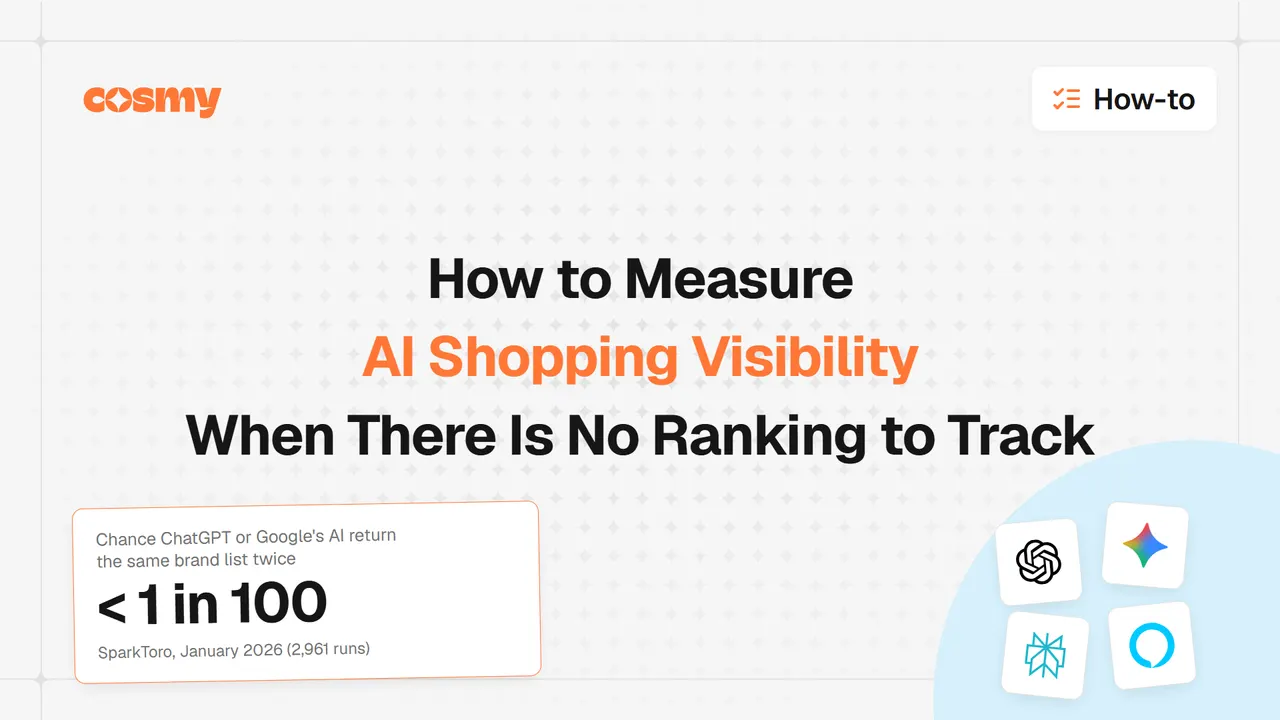
A note on reading these. AI answers vary from run to run. SparkToro research (28 January 2026, 600 volunteers, 2,961 runs) found less than a 1 in 100 chance that ChatGPT or Google's AI return the same brand list in two responses. So a single prompt flipping from cited to not cited is noise. A movement across many prompts is a signal. Treat small changes with suspicion until you have three months of history.
| Signal | What it suggests | What to do |
|---|---|---|
| Cited on one surface, absent on another | The listing answers the question but a surface does not trust it | Check the feed or page that surface reads |
| The same competitor domain keeps appearing | That page answers something yours does not | Read it, find the missing question, fill it |
| Cited last month, absent now | A listing change, a rule change or run-to-run noise | Rerun that prompt twice before acting |
| Absent everywhere | A real content gap | Put the ASIN at the top of next week's pass |
What goes in the client report?
Short. At first, two items and nothing else:
→ Share of prompts cited, per surface, this month against last month.
→ The competitor domains that keep appearing.
Then add one section: what you changed and why, listed as "prompt, change, result next month". That section is what justifies the retainer line. It shows work tied to a question, not activity.
Do not add traffic or sales numbers you cannot attribute. AI-referred traffic is real, but a report that claims credit for it without evidence invites the wrong conversation. If the client wants a market-level frame, point to public data, such as the Adobe figures above, and label it as market data, not as your result.
Here is what that looks like in a client report, before and after. The example is illustrative, not a real client.
Before: "Optimized 14 listings this month. Updated titles and bullets."
After: "Prompt 7 ('best insulated tumbler for commuting') cited a competitor domain and not us. The listing never stated lid type or leak resistance. We filled both attribute fields and added one bullet. We rerun prompt 7 on the 3rd."
The first line reports activity. The second ties a change to a question and sets a date to check it.
For a worked example of what a good fix looks like, see the Alexa for Shopping optimization guide.
Who owns it?
One person per account. Not a team, not "the content lead and the account manager". A named person whose name is on the monthly report.
The independent evidence on this is thin, but it points the same way. A GNW Consulting and Demand Metric study released on 3 June 2026, based on 225 responses from B2B marketing and revenue leaders, found that fewer than 15% of organizations have a dedicated GEO owner. The same study found that 88% of SEO agencies claim to offer GEO or AI search optimization services, and that 37% describe those services as "loosely defined." That is a B2B marketing sample, not Amazon agencies, so do not read it as your market. It does show where the gap sits: plenty of claims, few named owners.
The owner's job is narrow:
→ Keep the prompt set current.
→ Run the weekly pass or assign it.
→ Run the monthly audit on the fixed date.
→ Write the client report.
Rotate who owns which account no more than once a year. A handoff costs you the context in the prompt set.
How do you scale it past a handful of accounts?
The cadence works the same at 5 accounts and at 20. What changes is what breaks.
The prompt set drifts. Each owner tweaks wording to be helpful, and the comparison dies. Fix: the prompt set is a versioned file, and changes are logged with a date.
The weekly pass becomes a queue. Rank every account's ASINs in one list and work from the top. The account with the largest gap gets the week, not the loudest client.
Rule changes land on every account at once. The 75-character cap is the example. Handle a rule change as a one-off batch with its own owner and its own deadline, outside the weekly pass. Amazon's 14-day brand owner review window is a deadline you can plan around.
Reporting eats the week. Keep the report to its two items plus the change log. Add a third item only when a client asks for it twice.
The tooling question arrives. You can run this model in spreadsheets. A tool helps at the listing step. Cosmy, for example, scores a listing's coverage of the 15 relation types in Amazon's CoSMo knowledge graph, and keeps score history per ASIN, so you can tie a content change to a score movement. It is not a rank tracker and it does not run your prompt audit for you. Be wary of any tool that claims it replaces the cadence.
Where does this break?
Three honest limits.
→ It is a recommendation. We have not measured that this cadence produces better outcomes than another. We recommend it because every part is checkable, comparable month to month, and owned by someone.
→ Prompt audits are noisy. AI answers change between runs. The model leans on trends over months, not single results.
→ Surfaces change. Amazon renamed its assistant on 13 May 2026. Expect the next change and keep the prompt set surface-agnostic.
What should you do next?
- Pick one account. Build the 30-prompt baseline before touching any listings.
- Name one owner. A person, not a team.
- Rank the catalog by empty attribute fields and work top down.
- Set the monthly audit on a fixed date and never move it.
- Report share cited per surface plus the recurring competitor domains. Nothing else, at first.
Try it on one listing
Run a free analysis of one ASIN at cosmy.ai and use it as the first row of your baseline.