
Amazon's CoSMo is the commonsense knowledge system that helps Amazon work out whether a product matches what a shopper means, not just the words they typed. It builds a map of relations between products and shopper intents, so a listing that states who a product is for, where it is used and what it solves has far more to match than one assembled from repeated keywords.
The visible surface of this shift is Amazon's assistant, Alexa for Shopping (formerly Rufus), which answers shopper questions in plain language on the product page and in the search bar. Underneath it, CoSMo does the catalog-wide work of connecting products to needs. Both reward the same thing: content that says plainly what a product is for.
This guide explains how CoSMo differs from the keyword-driven system sellers grew up with, how it is built, and what a seller changes in practice. It also replaces advice that no longer fits, starting with product titles.
What is Amazon CoSMo?
CoSMo stands for Common Sense Knowledge Generation and Serving System. It is a knowledge graph: a very large map of statements such as "slip-resistant shoes are used by pregnant women" or "a camera case and a screen protector are capable of protecting a camera."
Amazon's researchers described the system in a paper presented at SIGMOD 2024, COSMO: A large-scale e-commerce common sense knowledge generation and serving system at Amazon. It models relation types between products and shopper intents: used for, used by, used in, capable of, and so on.
CoSMo is not a content score, and it does not replace search ranking. The paper describes building and serving a knowledge graph; it does not describe grading individual listings or penalizing low scores. It supplies understanding that sits alongside search, helping Amazon interpret broad queries and offer better refinements.
Consider a search for "shoes for pregnant women." A keyword system looks for those words in a listing. CoSMo is built to connect that query to the commonsense need for stable, slip-resistant footwear, so products that satisfy the need can surface even when the listing never uses the word "pregnant."
CoSMo maps a defined set of relation types, and covering every one is its own topic. This guide stays on the mechanics and the practice; the full list of relations, and how to check a listing against each, is in What Is Amazon CoSMo?.
How CoSMo differs from A9
For years, sellers optimized for A9, the ranking system that rewards keyword relevance, click-through rate, conversion rate and sales velocity. The playbook followed: find high-volume keywords, place them in the title, bullets and backend fields, drive traffic, and let conversions lift the rank.
CoSMo does not replace that ranking layer. It changes what the layer has to work with, because it reads intent rather than counting matches.
| A9 era | CoSMo | |
|---|---|---|
| Core logic | Keyword matching | Intent understanding |
| Primary data | Titles, bullets, backend keywords | Shopper behavior, co-purchases, contextual relations |
| Optimization focus | Keyword density and placement | Use cases, audience and context |
| Output | Products ranked by keyword match | Products matched to the underlying need |
| Technology | Indexing and ranking metrics | Language models and a knowledge graph |
The consequence for a listing is direct. CoSMo does not need your copy to repeat an exact phrase. It needs the copy to state the facts that connect the product to an intent. A puffer coat described as capable of providing warmth for cold-weather commutes gives the system more to read than a coat that mentions "winter" and little else.
How CoSMo works
Building the knowledge graph
The graph is built from two shopper behaviors. In a search-buy, a shopper searches a query and buys within a short session. In a co-buy, a shopper buys two products together. Amazon's researchers have a large language model explain each behavior. Why would someone who searched "winter coat" buy a long-sleeve puffer coat? Because it is capable of providing high-level warmth.
Human annotators then judge a sample of the explanations for plausibility and typicality. Generic ones are discarded, because they teach a system nothing. The paper rejects reasons like "customers bought them together because they like them."
Training CoSMo-LM
The approved examples train a smaller model, CoSMo-LM, on about 30,000 annotated instructions. That model generates relations across 18 major Amazon categories, from Clothing, Shoes & Jewelry to Pet Supplies, and the system refreshes as new behavior logs arrive. The result is a graph of millions of relations, built from how shoppers behave rather than from how sellers write.
Two consequences follow for sellers. First, the relations come from shopper behavior, not from your listing, so your job is to make it obvious that your product is one of the things shoppers buy for that need. Second, shopper language wins: knowledge built from search words and purchase reasons will not match copy written only in brand or regulatory terms.
Serving the graph
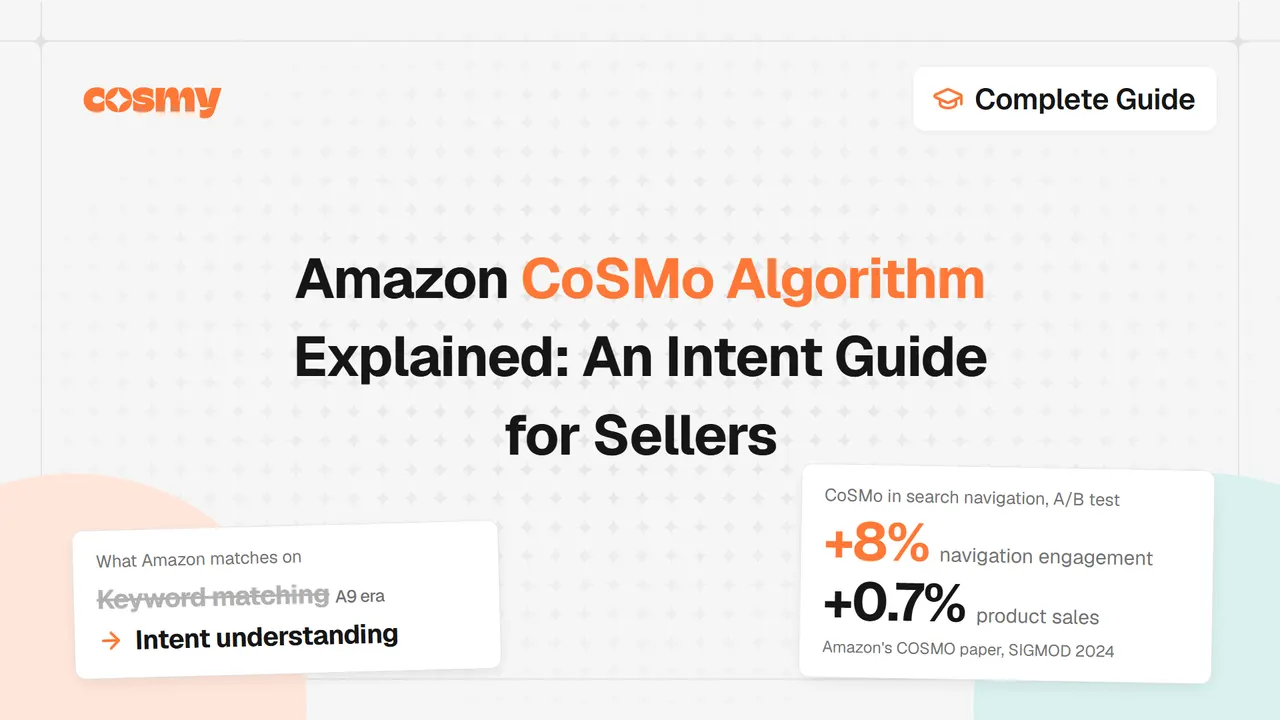
The clearest documented use of CoSMo is navigation: refinements that group products by need rather than by category. In the paper, a CoSMo feature in search navigation was tested in an online A/B experiment on roughly 10% of US traffic. The authors report that it lifted product sales by 0.7% relative to the control and raised navigation engagement by 8%, figures they attribute to this single feature on this one surface.
Amazon has not published how it weights listing content, and it does not show sellers a CoSMo score. What is visible is the direction of travel: answers and refinements built around intent, which need to know what a product is for.
How CoSMo and Alexa for Shopping work together
Keep the two systems apart, because confusing them wastes effort. Alexa for Shopping answers one shopper question at a time, reading the listing to respond in the shopper's own words. CoSMo works at the level of the whole catalog, mapping products to intents it learned from behavior.
Amazon has not published a fixed pipeline connecting them. Guides that describe one system filtering for the other are describing a theory, not a documented architecture. What is documented is that both were built to close the same gap: between how products are described and how shoppers describe what they need.
That is why they reward the same work. A listing that states its audience, its use cases and its context gives Alexa for Shopping answers to quote and gives CoSMo relations to match. The field-by-field side, from the title to item highlights and attribute fields, is covered in the Alexa for Shopping optimization guide.
One practical note on the name. Amazon renamed the assistant on 13 May 2026. The name changed; the job did not, and no listing rework is required because of the rename. The details are in the rename write-up.
What the 75-character title cap changed
Since 27 July 2026, Amazon caps product titles at 75 characters including spaces, in every category except media. Amazon announced the change on Seller Central on 10 June 2026. It ended a long-standing title convention, where the title carried every keyword variant that might match a search.
Any advice about 150 to 200 character titles, or about fitting a keyword into the first 80 characters, is now wrong. There is no room left to stack variants. Amazon points sellers to item highlights, up to 125 characters, for the descriptive detail a title can no longer hold.
The change fits the CoSMo idea. Three things survive a 75-character title: brand, product type, and the single fact most likely to decide the purchase. Everything else moves to highlights, bullets, the description and attribute fields, where it can be stated as a relation rather than a repeated word. The field-level breakdown is in the guide to the 75-character title cap.
The commonsense knowledge gap your listing must close
CoSMo fills gaps in how a product is understood, and your listing is where those gaps close. That changes the question a seller asks. The old question was which keywords to rank for. The new question is what problem the product solves, for whom, and in what situation.
As an illustration, keyword-first copy reads "Women's Slip-On Shoes Size 8 Comfortable Walking Sneakers." Intent-first copy reads "Slip-Resistant Walking Shoes for Nurses and Long Shifts." The second names an audience and a situation that the system can connect to a known intent.
8 ways to optimize a listing for CoSMo
1. Write for intent, not keywords
The old thinking was "I need to rank for yoga mat." The CoSMo-era question is who uses a yoga mat and what each group needs: beginners on hard floors, hot yoga practitioners, travelers, people in physical therapy. A listing that names those uses gives the graph more to match than one that repeats the product name.
2. Use a jobs-to-be-done framing
Describe what a customer can accomplish, not the spec alone. A feature reads "insulated stainless steel construction." A job reads "keeps morning coffee hot through a full commute." The second states a use case and a time of day, which are relations the system can hold.
3. Mine reviews for intent language
Buyers already explain your product in commonsense terms. Read the four- and five-star reviews for why people bought and how they use the item, then move that language into the listing. A review that says the hangers doubled closet space points to an intent the copy missed: small-space storage and wrinkle prevention.
4. Fill structured attributes completely
Attribute fields hold the hard facts: material, dimensions, capacity, compatibility, intended use, target audience. Most sellers leave some blank. An empty field is a question the system must answer from somewhere less reliable, or cannot answer at all. Work through them in order: identity, physical, fit, then context.
5. Make visuals carry context
Lifestyle images show the product in the situation it serves: a backpack on a trail, a desk lamp over a workspace. Amazon has not confirmed whether the assistant reads text rendered inside images, so mirror any claim that appears only in an infographic in the copy. Put facts in text and let images illustrate the context.
6. Ask for detailed reviews
Where follow-up messaging is allowed, ask open questions rather than nudging for a rating. "What do you use this for most often?" and "What problem did it solve?" produce reviews with context that informs discovery. Keep the request neutral and within Amazon's rules.
7. Build product relationships
CoSMo learns from co-purchase patterns, and you can reinforce them. Bundles connect a coffee grinder to beans, or a mat to blocks. A+ content can state the pairing in words: "pairs with our 20 oz lid," "fits standard replacement straws." Stating a complement reinforces a connection the graph may already hold.
8. Align PPC with intent
Traditional campaigns grouped high-volume keywords. Intent campaigns group customer situations: "easy home yoga setup for beginners" rather than "yoga mat exact match." Point the ad at the problem the product solves, and target products with related intents, not only direct competitors.
Illustrative example: one listing, before and after
This example is illustrative. It is not a client result, and it uses no real seller's data.
Before, keyword-focused:
- Title: Insulated Lunch Bag for Adults Women Men Cooler Tote
- Bullets: large capacity; insulated material; adjustable shoulder strap; waterproof exterior; multiple pockets
The listing is built around the phrase "insulated lunch bag" but states no audience and no use case.
After, intent-focused, under the 75-character cap:
- Title: Leak-Proof Insulated Lunch Bag for Work, Fits Bento Boxes (57 characters)
- Item highlights: Keeps meals fresh for hours | Fits 4 to 5 meal prep containers | Leak-proof lining | Padded shoulder strap (106 characters)
- Bullets, each answering one buyer question:
- Fits four to five containers, so one trip covers the workday.
- Leak-proof lining contains spills inside a bag or backpack.
- Padded strap and reinforced bottom for daily carry.
- Description additions: use cases (office workers, students, parents), the problem solved (fewer takeout lunches), and care instructions.
- Backend attributes: primary use, target audience, occasions, compatible items, materials.
The rewrite gives the system five different relations: who the bag is for, when it is used, where it goes, what it pairs with, and what it does. The before version states the product type several times. The after version states it once, in the title, and spends the rest of the copy on intent.
Common mistakes that hurt CoSMo performance
- Vague language. "High quality" states nothing. "Withstands repeated dishwasher cycles without fading" is a fact the system can use.
- Long-tail keywords without context. Listing "yoga mat for bad knees" is a start; explaining what the mat does for that buyer is what connects the intent.
- Features with no why. "BPA-free plastic" becomes useful as "BPA-free, so it is safe for daily hot drinks."
- Weak category placement. A mat placed under "Sports Equipment" instead of "Yoga > Mats" loses context about its use, its complements and its buyer.
- Empty or thin Q&A. Both the assistant and the graph read customer questions. Answer common intent questions in your own words instead of leaving them blank.
Keyword stuffing sits behind most of these. A listing that repeats "insulated water bottle" six times gives CoSMo one fact six times. The same space spent on audience, context and complements gives it several. Variants pushed out of the title often land in item highlights, where a keyword list answers nothing.
Your 4-week CoSMo checklist
Week 1, analysis:
- Export your top keywords from Brand Analytics.
- For each keyword, write the underlying customer intent, not the search term.
- Read your best reviews and note the use cases buyers mention.
- List the problems the product solves and the products it is bought with.
Week 2, content audit:
- Check whether the title states intent and a use case, not just keywords.
- Read each bullet and name the buyer question it answers.
- Confirm the description covers multiple customer segments.
- Verify every attribute field is filled accurately.
- Confirm category placement is precise.
Week 3, implementation:
- Rewrite the title to its 75-character limit with the primary use case front-loaded.
- Restructure bullets around problems solved.
- Expand the description with context-rich scenarios.
- Complete missing attribute fields.
- Update images to show contextual use.
Week 4, relationships:
- Update A+ content to show use cases and product pairings.
- Structure PPC campaigns by intent, not keywords.
- Review the search term report for new intent phrases.
- Identify complementary products for bundles or cross-promotion.
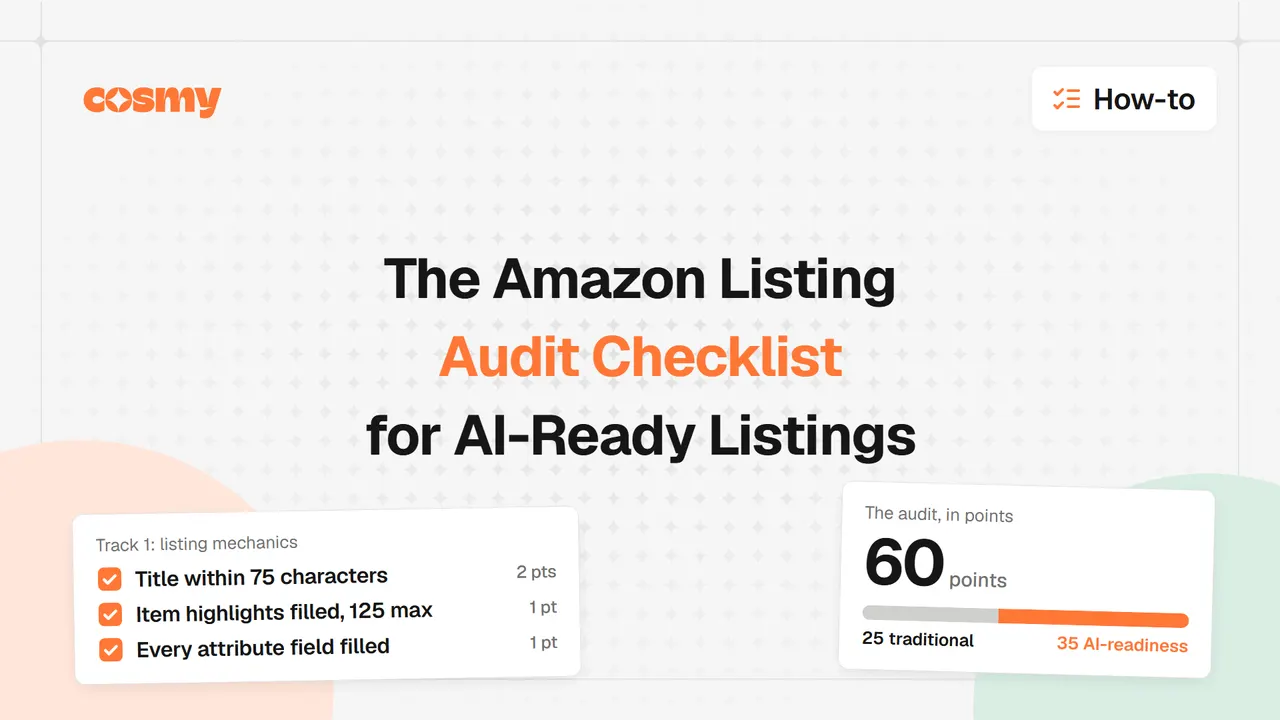
For the full audit pass, including the fields the assistant reads first, see the AI listing audit checklist.
Directions Amazon has described
Amazon has not published a CoSMo roadmap, so treat forecasts with caution. Its research and deployment point in a few directions worth watching, not betting on.
- Category coverage. The paper describes CoSMo across 18 major categories. Whether that coverage grows is not something Amazon has published.
- Refresh from behavior. The graph is regenerated from new behavior logs, so its knowledge moves with shopper habits.
- One documented surface. Search navigation is the deployment Amazon has described in detail. How far the relations reach into other recommendation surfaces is not published.
Start with your own ASIN
Reading a listing against intent is work you can start today. Write two sentences about one ASIN, in a customer's words: who it is for, and what problem it solves. Then search the listing for both. Usually neither appears.
The fastest way to see what a listing is missing is to measure it. Cosmy, the AI eCommerce agent, offers a free listing check: enter an ASIN and see what the listing is missing. Run one ASIN through the Amazon Listing Quality Checker, start with the product that matters most, and run it again after the changes.