
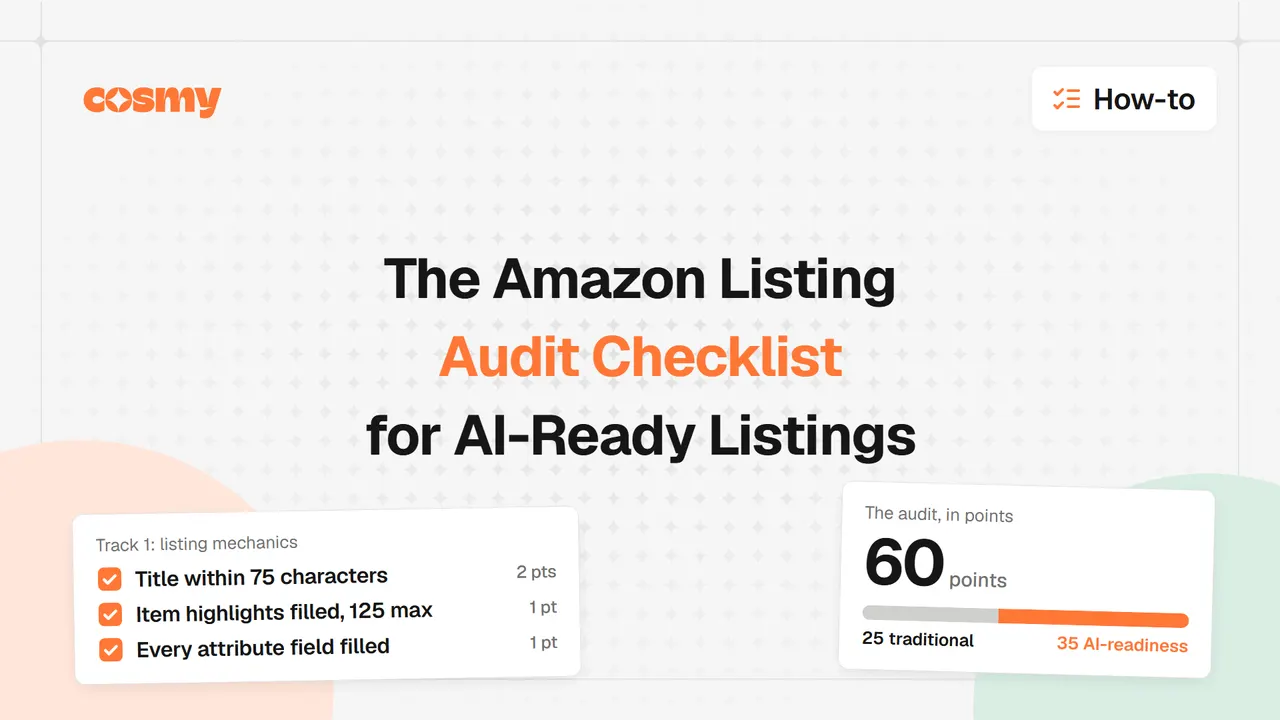
To audit an Amazon listing today you score two things at once: the traditional mechanics that still earn search visibility, and the plain facts Amazon's AI systems need in order to answer a shopper's question about your product. This checklist runs 25 traditional points and 35 AI-readiness points, 60 in total, and every item carries its own score so you can see exactly where a listing leaks.
Picture a listing that scores 95 out of 100 in a keyword tool. The title carries every keyword the category allows, the bullets are tidy, and the images meet every published requirement. Sessions still slide quarter over quarter, because not one of those checks asks whether the listing answers a question.
Traditional scores measure what a keyword-matching system can see. Amazon's AI systems read for something else: whether the listing states who a product is for, where it gets used and what problem it solves, in the words shoppers type. Since 13 May 2026 the assistant those shoppers talk to is called Alexa for Shopping (formerly Rufus), and it sits in the main search bar rather than behind a chat window someone has to open.
How to Use This Checklist
The audit splits into two tracks. Track 1 covers the listing mechanics that have driven Amazon search for years and still do. Track 2 covers AI-readiness: the intent, context and relation coverage that decides whether Amazon's AI systems can describe your product in an answer. If you want the background on how CoSMo sits alongside classic keyword ranking, that comparison has its own guide: A9 vs CoSMo.
- Track 1, traditional listing mechanics: 25 points across seven areas.
- Track 2, AI-readiness: 35 points across six areas.
- Total: 60 points.
Score one listing completely before you move to the next product, and start with your top revenue drivers. A half-finished audit across ten ASINs tells you less than one finished audit on the ASIN that pays the bills.
Track 1: Traditional Listing Mechanics (25 Points)
Title (4 Points)
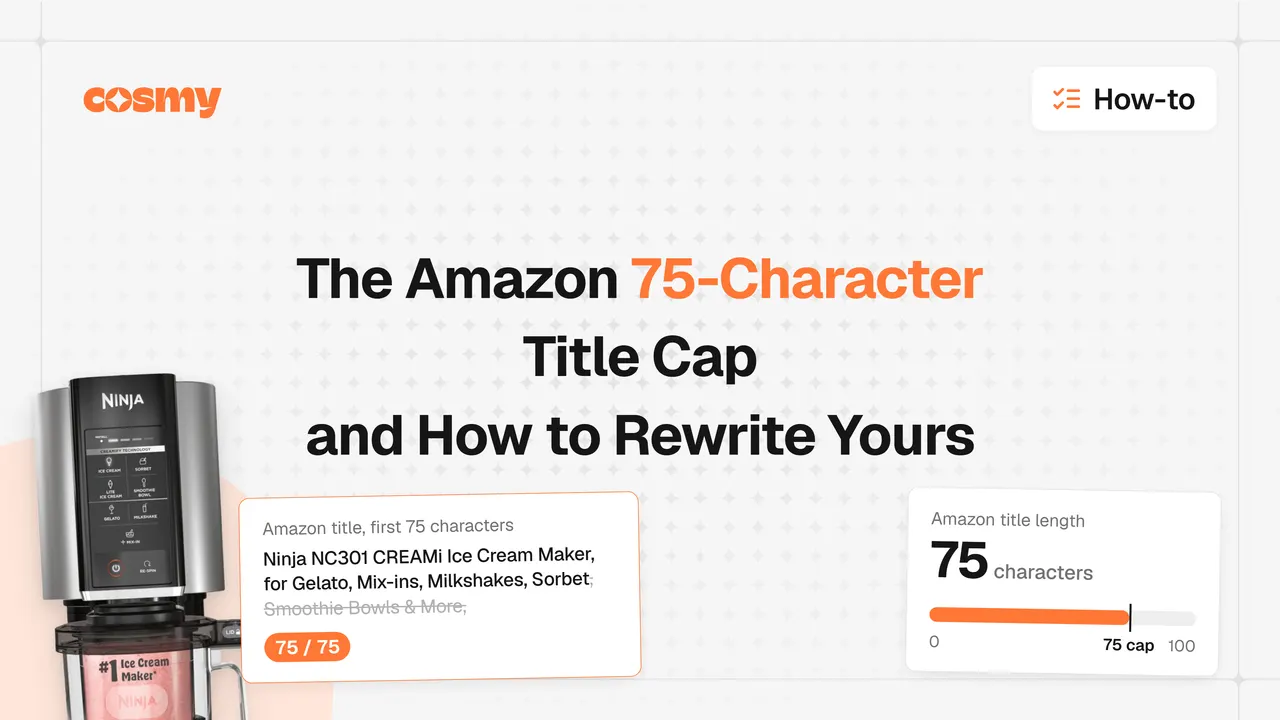
Amazon capped product titles at 75 characters, including spaces, on 27 July 2026, in every category except media. The change was announced on Seller Central on 10 June 2026, and titles over the cap are truncated or rewritten by Amazon, which means the detail that gets cut is chosen by a character count rather than by you. That one rule retires any older advice about 150 to 200 character titles or a keyword in the first 80 characters. The full mechanics of the rule are in the guide to the 75-character title cap.
- Title is 75 characters or fewer, including spaces (2 pts)
- Brand, product type and one main differentiator come first (1 pt)
- No repeated keywords, all caps or promotional language (1 pt)
Rewriting titles by hand across a large catalog is slow work. The free Amazon product title generator rewrites a title to fit the cap while keeping the differentiator.
Item Highlights (3 Points)
Item highlights allows 125 characters, and it is where the detail a title can no longer hold belongs. Amazon points sellers there for descriptive detail, and Alexa for Shopping reads structured fields when it answers questions, so a fact that lives in a field is a fact the assistant can quote.
- Item highlights field is filled and within 125 characters (1 pt)
- It carries the specific facts the title no longer fits (1 pt)
- Written as facts, not adjectives (1 pt)
Bullet Points (5 Points)
The useful bullet answers one buyer question outright. Read your bullet and name the question it answers; if you cannot name one, it is decoration. As a practical target, aim for roughly 150 to 250 characters per bullet so the line reads fully on mobile.
- Five bullet points are used (1 pt)
- Each bullet answers one question a buyer asks before purchase (2 pts)
- Mix of features and outcomes, not specs alone (1 pt)
- Relevant secondary phrases appear naturally (1 pt)
Backend Keywords (3 Points)
Backend search terms are the field behind the listing, and Amazon caps it. Check the current limit in Seller Central rather than assuming a number, because the field is measured in bytes and long phrases eat it quickly.
- Backend search terms field is filled (1 pt)
- No terms repeated from the title or bullets (1 pt)
- Long-tail phrases and common misspellings included (1 pt)
Images (5 Points)
Images decide the click, and several systems read them. Amazon requires a main image on a pure white background with the product filling the frame, and offers zoom when images reach 1,000 pixels on the longest side, with 1,600 pixels recommended. A free image checker flags resolution and background problems.
- Seven or more images are used, as a practical target (1 pt)
- Main image is at least 1,000 pixels on the longest side, on white (1 pt)
- Additional images show the product in use (1 pt)
- At least one image labels a key feature (1 pt)
- Alt text is written for every A+ module image (1 pt)
Description and A+ Content (3 Points)
Amazon sets no length that makes a description complete, but a short one rarely answers much, so aim for a full, specific description. A+ content gives the longer material a home. Treat A+ as a data source, not a design asset.
- A+ content is published and every module is populated (1 pt)
- Description or A+ answers the questions customers ask most (1 pt)
- A comparison, sizing or compatibility chart helps shoppers choose (1 pt)
Category and Attributes (2 Points)
A product in the wrong category is filed under the wrong intent, and empty attribute fields are questions the assistant has to answer from somewhere less reliable.
- Product sits in the most specific, accurate category (1 pt)
- Every optional attribute field is filled (1 pt)
Traditional subtotal: ____ / 25 points.
Track 2: AI-Readiness (35 Points)
This is the half most listings fail, and no traditional score checks it. The field-by-field version of what the assistant reads first is covered in the Alexa for Shopping optimization guide.
Intent Clarity: The Five Facets (10 Points)
Amazon's CoSMo system models why people buy. The five facets below are our practical framework for stating intent in plain words, not categories taken from Amazon's paper. If a listing misses one, the systems have less to connect it to. Each example below is an illustrative rewrite, not a client result.
- Subjective properties: sensory and experiential qualities appear (2 pts). "100% cotton" becomes "soft, breathable cotton for all-day comfort."
- Event relevance: the occasions the product suits are named (2 pts). "Water bottle" becomes "insulated bottle for gym workouts and weekend hikes."
- Activity suitability: the activities it supports are stated (2 pts). "Bluetooth headphones" becomes "wireless headphones for calls and focused work."
- Goal or purpose: the problem it solves is explicit (2 pts). "Protein powder" becomes "protein powder to support recovery after training."
- Target audience: who it is for is named (2 pts). "Yoga mat" becomes "extra-thick yoga mat for beginners and sensitive knees."
Conversational Language (5 Points)
The old listing read like a keyword list with benefits bolted on. The useful listing reads like a sentence a person would say, because the assistant is answering a question phrased in shopper language, not matching a string. How the assistant surfaces products from those answers is covered in the guide to AI product discovery.
- Copy reads like a sentence a person would say (1 pt)
- Benefits are written as outcomes, not features (1 pt)
- Questions from your Q&A section are answered in the copy (1 pt)
- "Jobs to be done" phrasing is present (1 pt)
- Regulatory or brand jargon is replaced with shopper words (1 pt)
Use Case and Context Coverage (6 Points)
CoSMo builds knowledge about product-to-situation relationships, so the more contexts you connect explicitly, the more queries the product can match. Naming a context never excludes other buyers.
- Three or more specific use cases are named (2 pts)
- Seasonal or occasion contexts are included where they apply (1 pt)
- Lifestyle images show the product in those contexts (1 pt)
- A+ content carries a use case or comparison module (1 pt)
- Reviews mention varied uses, confirming the claim (1 pt)
Knowledge Graph Relations (5 Points)
Three families of relation are the usual gaps: the buyer, the time and the complement. Copy is written about the product, so relations about the person behind it stay empty. The 15 relations CoSMo maps are worth a single read before you revise anything.
- Audience relations are stated, not implied (1 pt)
- Time relations are stated: season, occasion or time of day (1 pt)
- Complement relations name what the product pairs with (1 pt)
- The listing says what it replaces or improves on (1 pt)
- Category attributes and browse nodes confirm those relations (1 pt)
Visual Content AI Can Read (4 Points)
Images carry context, not just decoration. Text inside an image is not a substitute for text in a field, so mirror every visual claim in copy.
- Product name appears in at least two images (1 pt)
- Key features are labeled with text in images (1 pt)
- Lifestyle images carry clear context clues (1 pt)
- Infographics explain use and benefit visually (1 pt)
Q&A and Reviews (5 Points)
When your listing leaves a question unanswered, the assistant answers from reviews instead, in your customers' words rather than yours. Amazon publishes no minimum star rating for recommendations, and anyone quoting a cutoff is guessing, but weak ratings still suppress a product.
- Common questions are answered in the listing, not left to shoppers (1 pt)
- Recent reviews mention use cases (1 pt)
- The rating is strong enough that AI surfaces the product (1 pt)
- Top reviews include photos of the product in use (1 pt)
- The seller answers questions and critical reviews (1 pt)
AI-readiness subtotal: ____ / 35 points.
Score Your Listing
- Traditional listing mechanics: ____ / 25 points
- AI-readiness: ____ / 35 points
- Total: ____ / 60 points
50 to 60 points (excellent). The listing is ready for AI answers. Maintain it and test small changes.
40 to 49 points (good). Traditional mechanics are solid and AI gaps remain. Close the intent and use case items to move up a band.
30 to 39 points (fair). Real AI-readiness gaps. The listing can rank in classic search and still be absent from assistant answers. Priority: the five intent facets.
Below 30 points (poor). Rebuild the fundamentals. Start with the title, the item highlights and the structured attributes, then work down the list.
Prioritization Matrix
Not every gap is worth the same effort. Sort yours by impact against effort before you start editing.
| Gap | Impact | Effort | When |
|---|---|---|---|
| Title over 75 characters | High | Low | Now |
| Empty structured attribute fields | High | Low | Now |
| Title detail not moved to item highlights | High | Low | Now |
| Any of the five intent facets missing | High | Medium | This week |
| Bullets that answer no question | High | Medium | This week |
| No lifestyle images in use contexts | Medium | High | This month |
| Missing alt text | Low | Low | This month |
| Extra backend keyword variants | Low | Low | Ongoing |
An Illustrative Before and After
The following is an illustrative example built from the checklist, not a client result. It shows how a supplement listing changes when the intent facets are added and the numbers are deliberately left out.
Before. Keyword-optimized title, feature-focused bullets, professional product shots, and no sentence about who the product is for or when it is used. Four of the five facets are missing, and the bullets repeat specifications rather than answering questions.
After. The copy states an audience ("for people training after work"), a goal ("supports recovery after a session"), occasions ("morning smoothie, pre-workout, meal replacement") and outcomes ("mix it into water and get back to your day"). The keywords did not change. The intent clarity did. Because this is a rewrite of copy rather than a measured campaign, treat it as a demonstration of the method, not a promise of a result.
Implementation Roadmap
Week 1: audit and prioritize. Run the checklist on your top three SKUs, total the scores and sort the gaps with the matrix above.
Week 2: close the critical gaps. Count every title. Move the overflow into item highlights. Fill empty attribute fields. Correct any product filed in the wrong category.
Week 3: address the AI-readiness gaps. Rewrite bullets so each answers one buyer question. Add audience, context and complement language. Add lifestyle images and answer the questions sitting in your Q&A.
Week 4: test the answers. Ask Alexa for Shopping the ten questions a buyer would ask, record whether each answer is right, complete and sourced from your copy or from reviews, then compare the same ten questions a month after the changes go live.
Ongoing: re-audit quarterly, refresh seasonal context, and keep answering new customer questions in the copy rather than in the Q&A alone.
The Bottom Line
Most sellers fall into one of two groups. Some have solid traditional mechanics and no AI-readiness, scoring well on Track 1 and poorly on Track 2. Others have weak fundamentals on both tracks. The listings that win assistant answers cover both: keywords and intent, search mechanics and plain facts about who the product is for.
The good news is that the second half is not hidden. Every item in Track 2 is something you can state in your own copy this week. The listing already holds the raw material, in the reviews, the Q&A and the attribute fields. The audit simply makes you write it down where the systems can read it.
Run the Audit on a Live ASIN
Reading a checklist is the easy part. The work is in applying it to a real listing and finding out which answers are missing. When you want that done for you, the free Amazon listing quality checker takes an ASIN, runs the audit automatically and returns your score with the specific gaps, so you can start with the items that cost you answers rather than the ones that are quickest to spot.