Top 10 Chrome Extensions Web Scraper Tools for eCommerce


You open Amazon to check one competitor's price. Then you click into a second listing, then a third, then reviews, then search results, then a category page. An hour later you've got a messy spreadsheet, half the fields are missing, and you still can't answer the question that started the exercise.
That's where a Chrome extensions web scraper earns its place. It turns product listings, review pages, and search results into structured rows you can work with. Instead of copy-pasting ASINs, titles, prices, review snippets, and seller details by hand, you capture them in bulk and move straight into analysis.
Browser-native scraping matters because it made web extraction accessible beyond developers. The best-known tools in this category let you collect structured data directly in Chrome and export it to formats such as CSV and XLSX without needing a separate desktop app. The Chrome Web Store listing for Web Scraper says it can extract “thousands of records” after just a few minutes of setup, and the extension positions itself as the “#1 web scraping extension” that is “always free for unlimited local use” via the Chrome Web Store listing for Web Scraper.
For eCommerce teams, the practical use cases are obvious. In Italy, Chrome scraper workflows are explicitly positioned around Amazon and Shopify price monitoring, product-list extraction, and contact-list scraping in Thunderbit's extension roundup. If you're already running competitive checks, assortment reviews, or review mining, you're doing scraper work manually.
This guide focuses on tools that help you get that data out of the browser and into a usable workflow. If you also work on paid social research, you may want to discover ad library superpowers.
1. Web Scraper (webscraper.io)
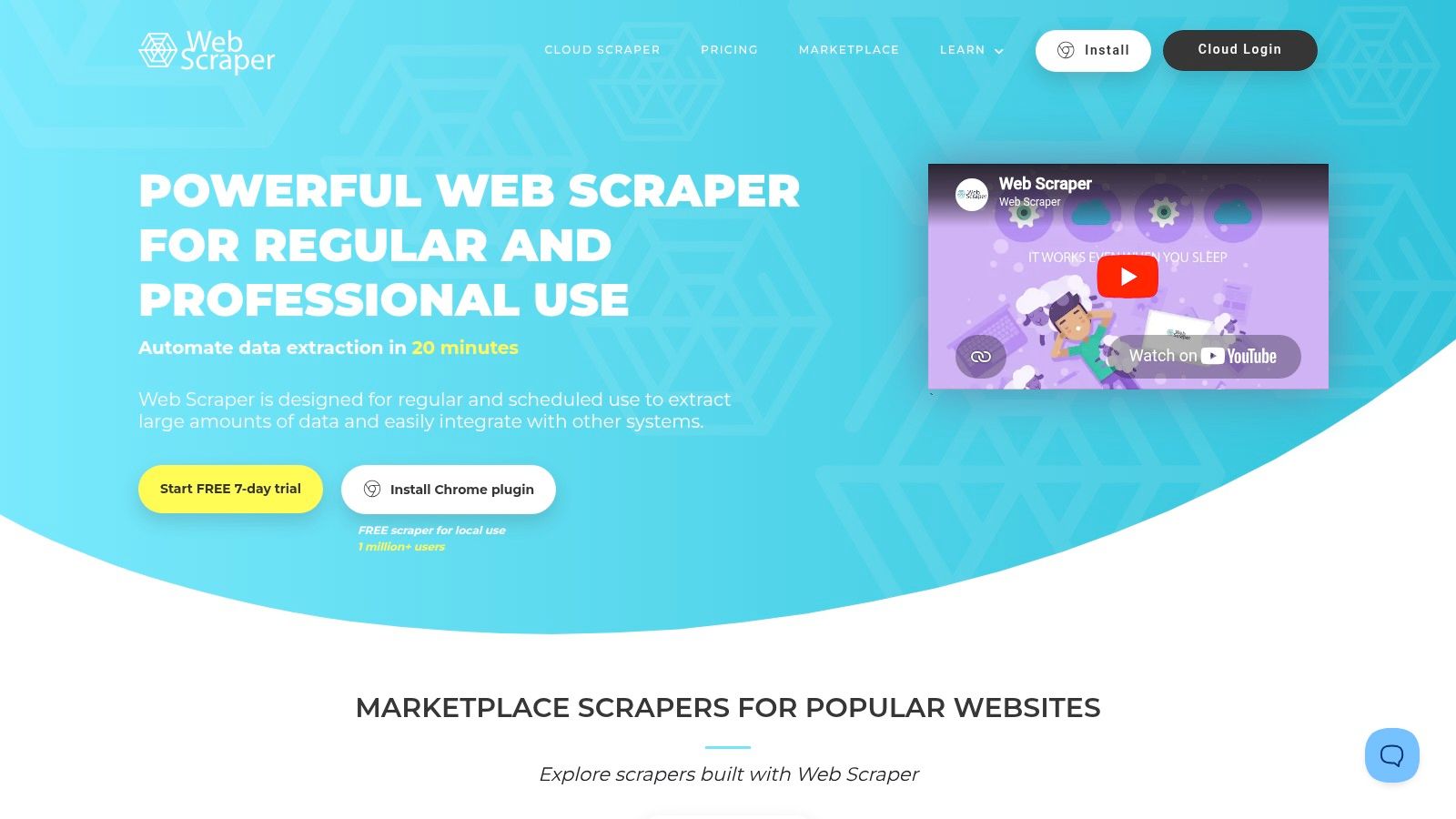
Web Scraper is the one I'd put in front of a team that needs repeatability, not just a quick export. Its sitemap model takes longer to learn than one-click tools, but that extra setup pays off when you need the same Amazon category crawl or marketplace scrape every week.
The extension is built for structured, point-and-click extraction inside the browser. You define selectors, tell it how to move through pagination or detail pages, and export the result. It's well suited to catalogue pages, search result pages, and multi-level product paths where you need more than a single-page grab.
Where it fits best
If you scrape Amazon search results for ASINs, titles, ratings, and product URLs, Web Scraper gives you a cleaner long-term setup than lightweight auto-detection tools. It also supports regular and scheduled extraction in the broader product ecosystem, which matters when one-off research turns into a standing reporting task.
Practical rule: Use Web Scraper when the same extraction job will be repeated by more than one person. The sitemap becomes your operating procedure, not just your scrape.
A few strengths stand out in day-to-day work:
Repeatable structure: Visual selectors and sitemaps make recurring jobs easier to document.
Better navigation control: It handles pagination and multi-level flows better than basic table grabbers.
Scale path: Local runs are a good test bed before moving to heavier cloud workflows.
What to watch
The trade-off is setup time. If you only need ten rows from one visible page, Web Scraper can feel heavier than necessary. It's also the kind of tool where messy pages expose weak selector choices fast, especially on retail sites that mix sponsored blocks, carousels, and variant widgets.
That said, browser scraping moved into mainstream no-code use precisely because tools like this made structured extraction accessible on data-rich sites such as Amazon, eBay, Tripadvisor, and search results, as noted earlier from the Chrome Web Store listing. For a manager who wants a durable process, that's the main appeal.
2. Data Miner (dataminer.io)
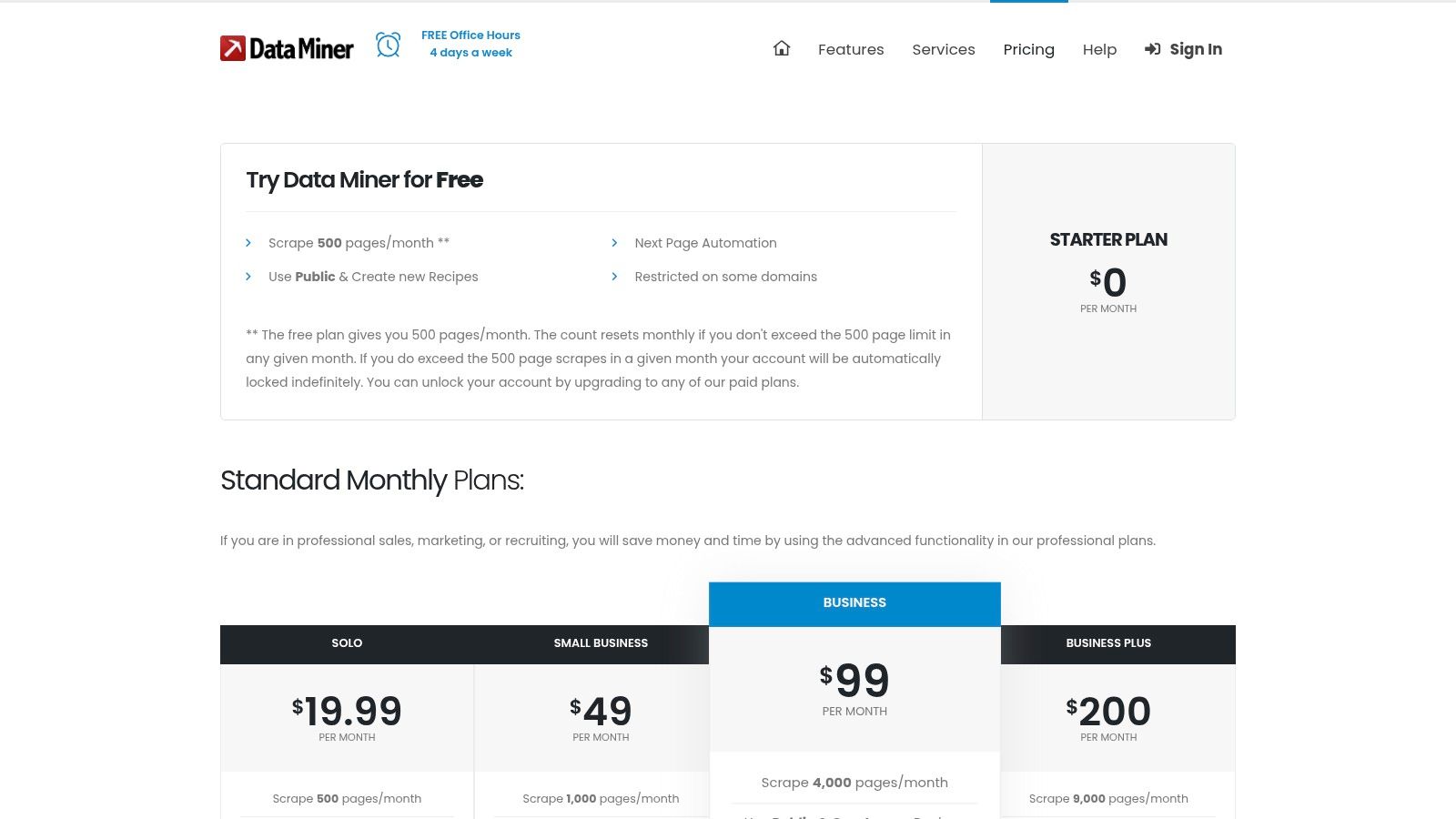
Data Miner earns its place in an Amazon workflow for one reason. It gets a usable export out of a live page fast.
That matters in real eCommerce work. A category manager might need competitor prices, ASINs, star ratings, and product URLs from a search results page before a pricing review starts. Data Miner is well suited to that kind of short-notice task because its recipe system cuts down the setup time compared with tools built for deeper crawling.
Where it fits best on Amazon
Data Miner works best on pages with a clear, repeated structure. Amazon search results, bestseller lists, seller storefront grids, and visible review pages are usually the right starting points. You select or adapt a recipe, test the output, and export to CSV or Excel for the next step.
For product research, that speed is useful. Pull a batch of listings, clean the column names immediately, then load the file into your reporting workflow. If your team is tracking competitor movement over weeks instead of single snapshots, this guide to tracking Amazon price history helps connect one-off scraping to trend analysis.
I would use Data Miner for collection, not for interpretation.
The value shows up after export. A practical workflow is to grab ASINs, titles, visible prices, review counts, and ratings from Amazon search results, then push that dataset into your analysis stack to compare assortment gaps, pricing position, and review strength by keyword. If you use Cosmy downstream, this becomes more than a spreadsheet exercise. It becomes input for competitive analysis tied to AI search visibility and product discovery.
Rename fields before sharing the file internally. “Price,” “Current Price,” and “Listing Price” turn into reporting errors faster than teams expect.
Trade-offs to expect
Data Miner is less comfortable on pages that behave more like apps than documents. Amazon often inserts sponsored placements, carousels, variant selectors, and shifting review modules into the same template. When that happens, recipes that looked fine on page one can miss fields or pull inconsistent rows on page two.
That is the main trade-off. You gain speed, but you give up some control over multi-step extraction and messy page logic.
For a marketing or eCommerce manager, the practical rule is simple. Use Data Miner when the job is “capture this page cleanly and get it into Excel today.” If the job is “crawl multiple levels, repeat it every week, and standardise it for the team,” a heavier setup usually holds up better.
3. Simplescraper (simplescraper.io)
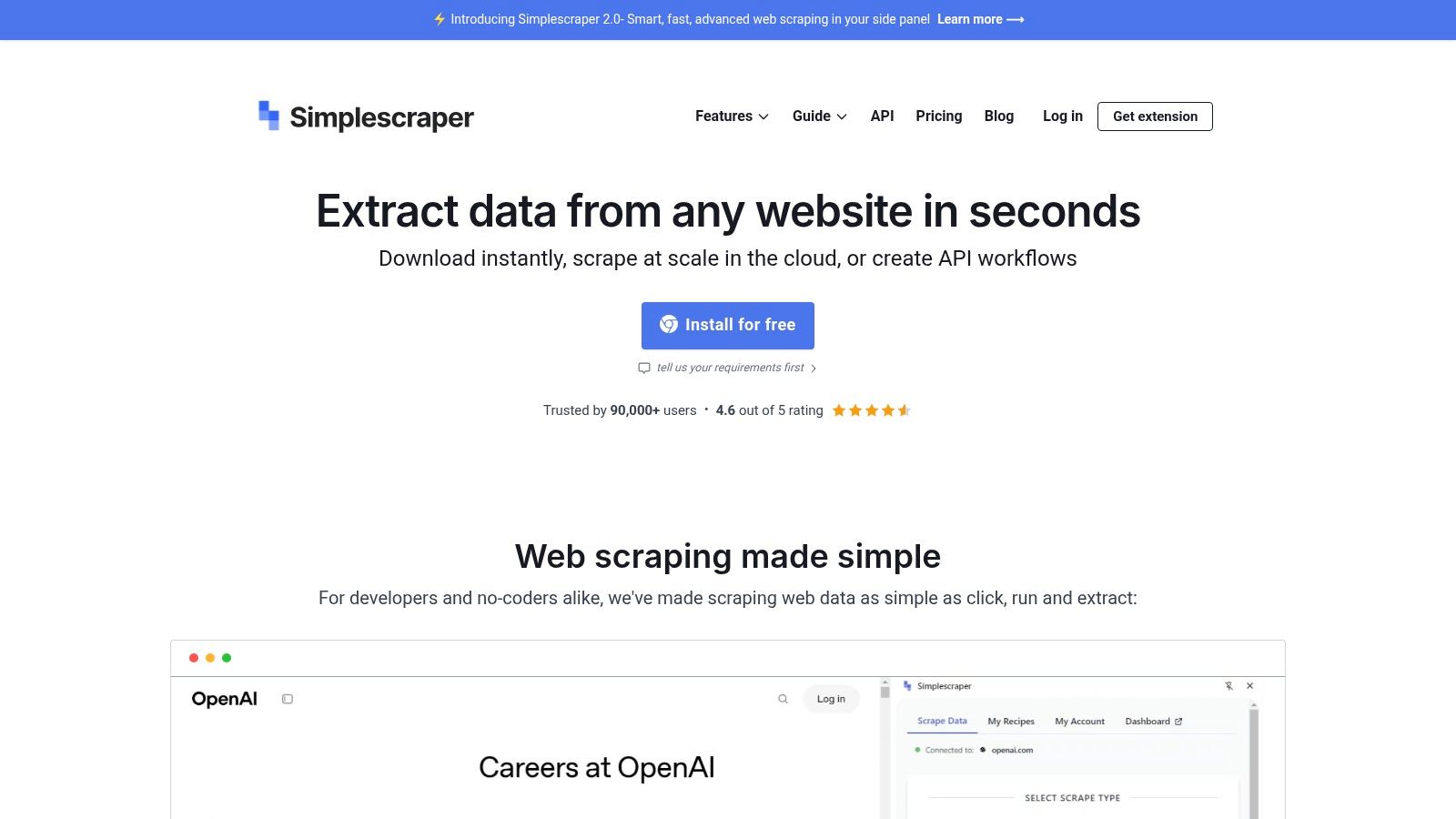
Simplescraper does a good job of getting people from “I've never scraped anything” to a usable export fast. The interface is clean, recipe creation is straightforward, and the integrations are practical for teams that live in Sheets, Airtable, or Zapier.
I like it most for quick lead lists, product grids, and search result snapshots that need to flow into another tool without much cleanup. If your next step after scraping is always “push this into a sheet and share it,” Simplescraper fits that habit well.
Good fit for lean workflows
For eCommerce teams, this is useful when you need a recurring but lightweight market pulse. Think category checks, pricing snapshots, or content comparisons pulled into a shared Google Sheet every morning. It can also work for SERP scraping if your Amazon workflow includes tracking how products appear across search surfaces before users ever reach the marketplace.
Easy first capture: The point-and-click flow lowers the barrier for non-technical staff.
Useful integrations: Google Sheets, Airtable, Zapier, and webhooks make it easier to operationalise exports.
Cloud option: Helpful if the same scrape needs to run without somebody opening Chrome.
Main trade-offs
Credit-based systems are convenient until nobody on the team knows what a “normal” job consumes. Before you rely on it, test the exact page types you care about. Amazon category pages, review flows, and variant-heavy listings can consume effort quickly because the structure isn't always stable.
Recent coverage across the category has also pushed AI-aided extraction and plain-language setup, but that convenience creates a new problem. You still need to verify output carefully when pages are messy, because convenience doesn't guarantee clean, repeatable data. That gap in the wider market is one reason I treat AI assistance as a faster starting point, not a substitute for validation.
4. GetData.io (getdata.io)
GetData.io sits in a useful middle ground. It's more operational than a basic one-page extractor, but it doesn't feel as involved as building out a full scraping system. That makes it a practical choice for recurring list-building jobs and scheduled pulls where the team wants low friction.
The appeal is simple. You can build recipes in Chrome, run them locally, and move to scheduled cloud runs if the workflow sticks. For a marketing or retail ops manager, that's often enough structure without adding a full technical stack.
Where it makes sense
If you're collecting seller pages, category listings, or repeated sets of product detail fields on a schedule, GetData.io can fit well. It also suits recurring monitoring jobs where the output lands elsewhere through webhooks or a simple export routine.
One pattern I've seen work well is using a tool like this for upstream collection, then handing the cleaned list into the main analysis layer. For Amazon, that might mean scraping competitor ASINs, brand names, listing titles, and visible review counts, then using those records to prioritise which competing products deserve a closer content audit.
Browser-first tools are best when the extraction logic is easy to explain to another person. If you can't describe the page path clearly, the scrape probably won't stay reliable for long.
Limits to keep in mind
GetData.io appears best suited to straightforward recurring extraction. If you expect difficult anti-bot conditions, highly dynamic JavaScript behaviour, or very large jobs, you should test carefully before committing. More broadly, neutral guidance on browser scraping often points to the same pressure points: complex site structures, dynamic JavaScript pages, pagination, and very large datasets can all become pain points when you try to operationalise extension-based scraping, as discussed in Rayobyte's guide to web scraping with Chrome.
That doesn't make tools like GetData.io a bad choice. It just means you should treat them as practical operators for defined jobs, not as universal crawling infrastructure.
5. Instant Data Scraper (Chrome Web Store)

You open an Amazon search results page, need a competitor snapshot in 10 minutes, and do not have time to build selectors from scratch. Instant Data Scraper fits that job well. It scans the visible page, detects repeated rows or table-like blocks, and gives you a preview you can export to CSV or XLSX.
That speed is the reason to use it. For a marketing manager or eCommerce lead, the value is not advanced crawling. The value is getting a usable first-pass dataset from search results, category pages, or simple review layouts without asking an analyst to configure a full project.
Best for quick Amazon collection
A practical workflow is to start with a search term, scrape the visible listings, and collect product URLs, titles, prices, star ratings, review counts, and brand names. From there, clean the export in Sheets or Excel, extract the ASINs from the URLs, and build a shortlist of competing products worth tracking.
That shortlist becomes much more useful once it moves into the analysis layer. A simple scrape can tell you who is showing up. It does not tell you why they are winning, how their content differs, or which products deserve deeper monitoring for AI-driven search visibility. If you are comparing scraper output with seller research workflows, this guide to the Helium 10 Chrome extension for Amazon product research helps clarify where raw collection ends and marketplace analysis begins.
Where it fits in an eCommerce workflow
Instant Data Scraper works best as the front end of a larger process.
Use it to pull a fast snapshot. Then standardise columns, remove duplicates, and pass the cleaned file into your main review process or a platform like Cosmy for competitor analysis. That is a practical setup for category scans, brand discovery, and early product research, especially when you want evidence before committing to a larger scrape.
Its strengths are straightforward:
Fast start: Open the page, review the detected rows, export.
Low training burden: Useful for non-technical teams who need data now.
Good for visible page structures: Search results, category grids, and other repeated layouts tend to work best.
Limits to respect
Reliability drops once the page structure gets messy. Sponsored blocks, nested widgets, pagination, and heavily dynamic layouts can confuse the detection logic, so the preview needs a quick manual check before export. I would also avoid using it as the backbone for multi-page Amazon monitoring, because the tool is strongest on what is already visible in the browser, not on coordinated collection across many product pages.
Used that way, it is a practical extension. It gets the first layer of market data into your hands quickly, which is often all you need to decide what deserves a deeper scrape and a more serious competitive analysis.
6. Spider Pro (tryspider.com)
Spider Pro takes a different angle from the cloud-heavy tools. It leans into local processing and a simpler licensing model, which makes it appealing to analysts who don't want scraped data passing through another vendor's platform.
That local-first approach matters more than people think. If your workflow involves supplier lists, competitive pricing snapshots, or category data that you'd rather keep on one machine during early research, a browser tool that doesn't push everything into the cloud can be easier to justify.
Good for controlled extraction
Spider Pro works best when the page is visible, the target fields are obvious, and the job is finite. Think list pages, product grids, and table-like layouts where you want a clean CSV without building a full crawler.
For an eCommerce manager, that often means:
Product grid capture: Pull visible titles, prices, and URLs from a category page.
Seller research: Extract merchant names or listing details from a marketplace page.
Quick local analysis: Keep the raw export on your own machine before sharing trimmed versions.
The real trade-off
The trade-off is scope. Spider Pro isn't trying to be a full multi-page crawler, and that's fine if you know it upfront. It's a practical tool for grabbing what's on the page, not for orchestrating a complex scrape across many linked product paths.
That makes it a good fit for analysts who value privacy and simplicity over automation depth. If your team keeps asking for scheduled jobs, cloud retries, or integrations into wider workflows, you'll probably want something else. If you mostly need local extraction and a low-friction workflow, this style of tool has real value.
7. Clura – AI Web Scraper (clura.ai)

Clura reflects where the category is moving. Instead of asking users to think first about selectors, it tries to make extraction feel more natural and immediate. That's attractive for small teams that don't want to spend time learning scrape logic.
For Amazon and retail research, AI-assisted extraction can be useful when a page has obvious semantic structure but awkward HTML. A human can tell which block is the title, which is the review count, and which is the price. AI-oriented tools try to shortcut the path to that understanding.
Useful, but verify everything
This is the part many articles skip. AI assistance can speed up setup, but it doesn't remove the need to check output row by row when the page is messy. Amazon pages often mix sponsored units, bundles, variation blocks, coupon labels, and fulfilment badges. Those details can confuse any tool that is inferring fields instead of following tightly controlled selectors.
If you need a starting point for getting structured Amazon product data into a more serious workflow, this guide on how to request Amazon data is worth bookmarking.
AI-assisted scraping is best treated as a draft. Approve the fields before you trust the file.
Where Clura fits
Clura makes the most sense for small research jobs, quick experiments, and teams that value a lighter learning curve. It may also appeal if you prefer a one-time purchase route over another monthly subscription.
The bigger point is broader than one tool. Recent category coverage increasingly highlights natural-language tasking, auto-detected structures, and AI-inferred fields, as discussed in Chat4Data's review of top scraper extensions. What that coverage often misses is the verification step. In eCommerce, one extraction error in price, pack size, or review count can distort the conclusion you take into planning.
8. Bardeen (bardeen.ai)
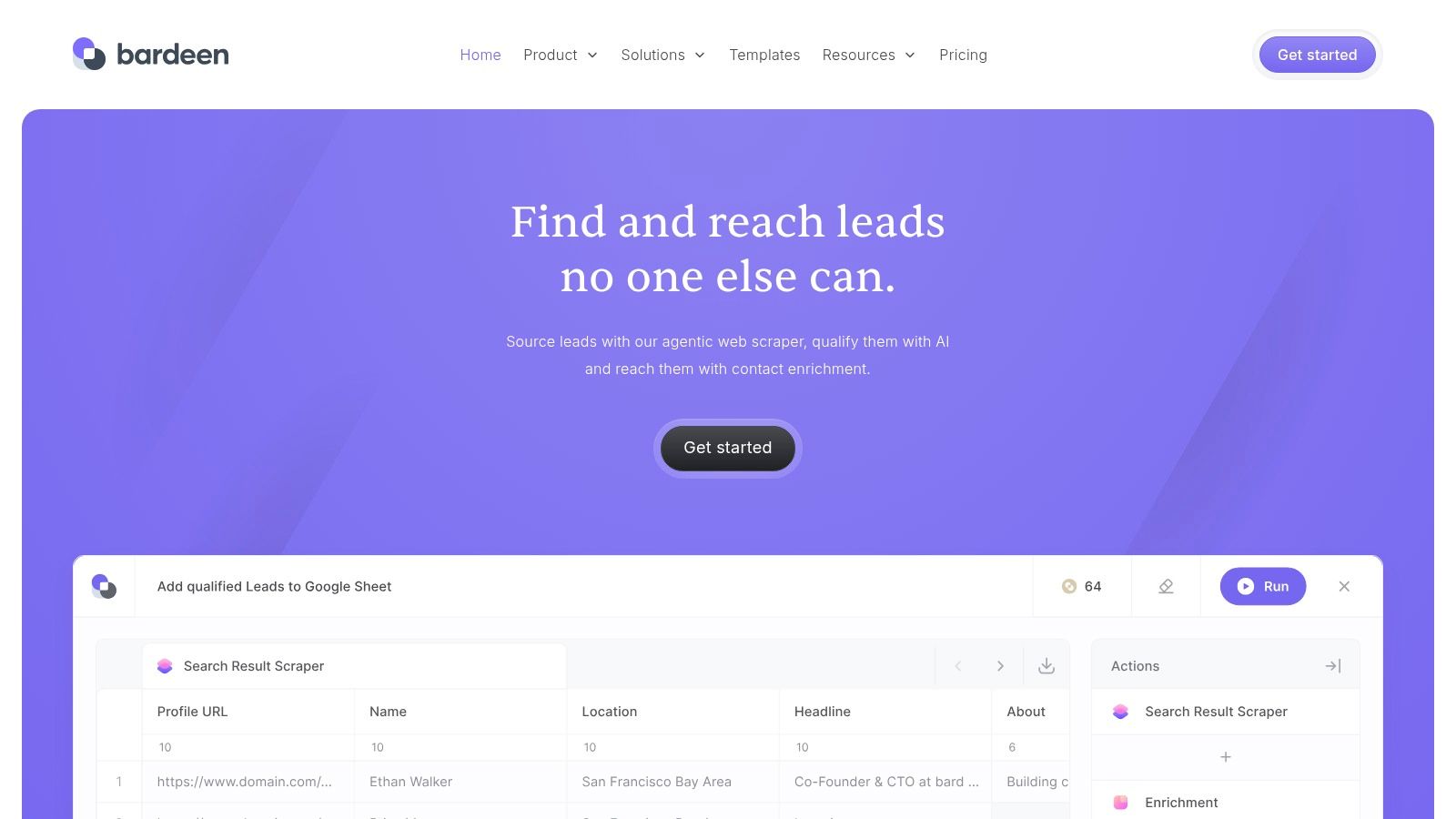
Bardeen is less of a pure scraper and more of an automation layer that happens to scrape. That distinction matters. If your team's real problem isn't extraction but what happens after extraction, Bardeen can be more useful than a scraper with better crawl controls.
Say you scrape a set of Amazon listings, then push the results to Google Sheets, Notion, Airtable, or a CRM-linked research workflow. That's Bardeen's territory. It's strongest when the browser is just one step in a larger chain.
Best for connected workflows
I'd look at Bardeen when the job looks like this: open a page, collect visible records, enrich or organise them, then send them somewhere the team already works. For agency teams or growth managers juggling multiple recurring research tasks, that saves context switching.
Its “official scrapers” and playbook model can also help less technical users get moving. Instead of designing everything from scratch, they start with a prebuilt action and adapt it to the workflow they need.
Workflow value: Scraping is tied to follow-on actions, not left as an isolated export.
Good integrations: Helpful if your team already lives in Sheets, Airtable, Notion, or sales tools.
Useful for research ops: Better for repeated internal processes than for deep web crawling.
What it isn't
It isn't the best choice for high-volume, highly structured crawling. If the core challenge is pagination depth, dynamic site handling, or large-scale extraction consistency, dedicated scraping tools usually make more sense.
Bardeen shines when the output needs to move immediately. If your scrape tends to sit in a CSV folder untouched, you don't need this level of workflow automation. If scraped data should trigger the next action, Bardeen becomes much more compelling.
9. Octoparse AI Web Automation Extension (octoparse.ai)

The Octoparse AI Web Automation Extension is worth understanding correctly. It's not really an extension-only scraping experience. It acts more like a bridge between Chrome and the wider Octoparse setup.
That makes it a good fit only in one specific situation. You already want Octoparse's desktop or broader automation environment, and the extension helps control browser behaviour inside that workflow. If that's not your use case, simpler browser-native tools will feel lighter.
When it earns the extra setup
Octoparse becomes more attractive when the page path is complicated. Logins, clicks, scrolling, pagination, and dynamic content all become easier to handle when you're not forcing a lightweight extension to do heavy-duty work on its own.
For Amazon-adjacent research, this might matter if your target workflow goes beyond a single results page and into more controlled multi-step extraction. It's also useful when one analyst needs more power than the rest of the team but still wants a visual environment rather than code.
The practical judgement
The downside is obvious. Heavier setup, more moving parts, and a less immediate experience than extension-first tools. If your need is “give me the visible listing data now,” this is too much. If your need is “build a more powerful browser-controlled extraction routine,” the added complexity can be justified.
This is the pattern many teams eventually face. They start with a browser extension, hit reliability or scale limits, then move into something more durable. Octoparse sits closer to that second stage than the first.
10. Table Capture (Chrome Web Store)
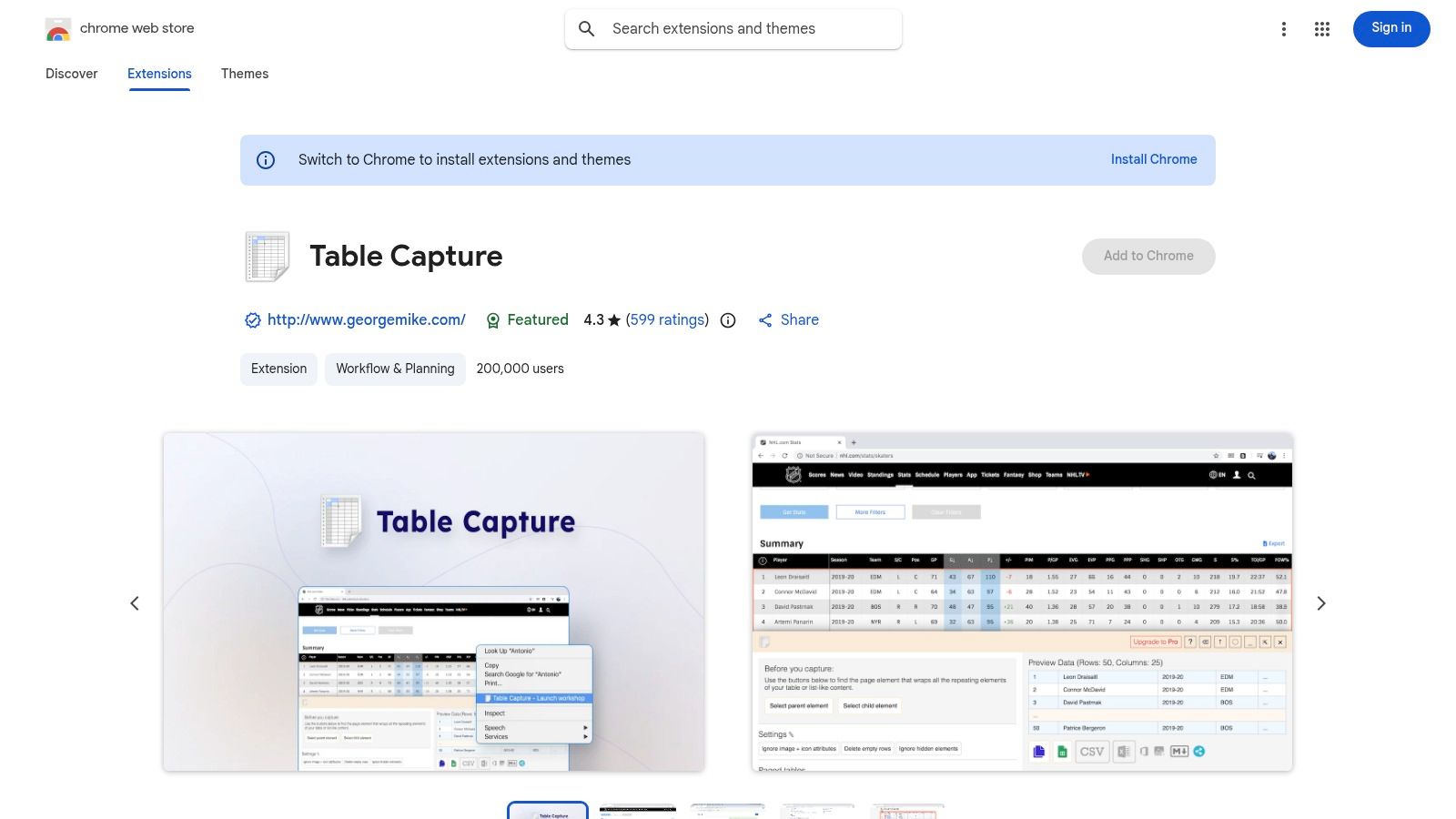
Table Capture is the extension I keep in reserve for a very specific moment. A category manager has a supplier portal, pricing page, or comparison table open in Chrome, and the data is already arranged correctly on screen. The job is not crawling the site. The job is preserving that structure and getting it into Excel or Google Sheets without turning rows into a mess.
That sounds small. In practice, it saves time.
A lot of eCommerce research breaks at the handoff stage. Teams can see the information they need, but copy-paste collapses columns, strips headers, or mixes product attributes into one field. Table Capture handles that last-mile export problem better than broader scraper extensions built for links, pagination, and page traversal.
Where it works best
Use Table Capture when the page already behaves like a table, even if the HTML is not perfect. That includes vendor catalogs, pricing grids, inventory views, and internal dashboards where the main goal is a clean spreadsheet export.
It fits especially well in workflows like these:
Competitor price checks: Export a visible pricing table, then compare SKU-by-SKU changes in Sheets.
Supplier catalog review: Pull product rows with titles, pack sizes, and wholesale pricing for quick cleanup.
Review or ASIN research support: Capture a structured subset from a page, then combine it with broader Amazon data inside your analysis workflow.
Fast stakeholder delivery: Give a merchandiser or marketing manager a usable file immediately, without asking them to learn a full scraping tool.
The trade-off
Table Capture is narrow by design. It will not replace tools that need to click through pagination, handle logins across multiple steps, or extract data from complex card layouts. If the page is not table-like, you will hit limits quickly.
That narrow scope is also why it earns a place in an eCommerce stack. For Amazon and marketplace research, teams often use one tool to collect broad product or review data, then a simpler utility to grab a structured comparison table, cleanly export it, and push it into a spreadsheet or platform like Cosmy for analysis. That workflow matters because competitive advantage rarely comes from extraction alone. It comes from getting usable data into the system where you compare listings, spot pricing gaps, and see how your catalog is positioned for AI-driven search.
Table Capture does one job well. If your team already has the right table on screen, that is often enough.
Top 10 Chrome Web Scraper Extensions, Feature Comparison
Tool | Core features & scale | UX & Reliability (★) | Price & Value (💰) | Target & USP (👥 / ✨🏆) |
|---|---|---|---|---|
Web Scraper (webscraper.io) | Visual sitemap builder, JS & pagination, Cloud runner, API/webhooks | ★★★★☆, mature, steeper learning curve | 💰 Free local extension; paid Cloud for scale | 👥 Teams needing reproducible marketplace crawls / ✨ Sitemap model & robust cloud runner / 🏆 Established ecosystem |
Data Miner (dataminer.io) | 60K+ public recipes, recipe builder, Google Sheets, JS hooks | ★★★★☆, friendly UI for fast ramp | 💰 Freemium (monthly page limits) | 👥 Non-developers & ad‑hoc exporters / ✨Huge public recipe library |
Simplescraper (simplescraper.io) | Visual capture, cloud automations, Sheets/Airtable/Zapier | ★★★★☆, very quick first results | 💰 Credit-based plans; clear volume pricing | 👥 Marketers & small teams / ✨AI‑aided extraction + direct integrations |
GetData.io (getdata.io) | Chrome recipes, scheduling (15m), webhooks, cloud storage | ★★★☆☆, simple, smaller ecosystem | 💰 Very low entry pricing for scheduled runs | 👥 Budget teams with recurring pulls / ✨Low-cost scheduled cloud runs |
Instant Data Scraper (Chrome) | Auto-detect lists/tables, CSV/XLSX export, infinite-scroll options | ★★★☆☆, zero learning curve, basic support risks | 💰 Free | 👥 Analysts needing one‑off grabs / ✨Instant, no-setup exports |
Spider Pro (tryspider.com) | On-page selection, local processing, unlimited local scrapes | ★★★★☆, privacy-first, lightweight | 💰 One-time license (budget-friendly) | 👥 Privacy-conscious users / ✨Local-only processing & one‑time fee |
Clura – AI Web Scraper (clura.ai) | On-page auto-detect, CSV/XLSX/JSON, free daily limits, lifetime plan | ★★★☆☆, young product; validate reliability | 💰 Free tier + one-time lifetime option | 👥 Small teams & researchers / ✨AI-assisted capture + lifetime purchase |
Bardeen (bardeen.ai) | Scrape + automation playbooks, background runs, CRM/Sheets integrations | ★★★★☆, powerful automation, learning curve on credits | 💰 Freemium + automation credits | 👥 Growth/ops teams automating pipelines / ✨Scraping + workflow automation / 🏆 Best for chained workflows |
Octoparse AI Extension (octoparse.ai) | Chrome bridge to desktop/AI bot, handles logins/pagination | ★★★★☆, mature vendor, heavier setup | 💰 Tied to Octoparse desktop/cloud subscription | 👥 Teams running large, complex flows / ✨Desktop AI bot control for robust crawls / 🏆 Enterprise templates |
Table Capture (Chrome) | Extract HTML tables/div lists, batch export, Sheets/Excel/CSV | ★★★★☆, fast & reliable for tabular data | 💰 Free basic; Pro for multi-page & advanced exports | 👥 Analysts needing clean tables / ✨Lightning-fast table capture and export |
From Data to Decisions: Scraping Responsibly and Effectively
Choosing the right Chrome extensions web scraper is only the first part of the job. The actual work starts after export. A CSV full of competitor listings doesn't help much unless someone cleans it, checks it, and turns it into a decision.
That's especially true on Amazon. You might scrape a search results page to collect competitor ASINs, titles, prices, star ratings, and review counts. That sounds useful, and it is, but only if you use it to answer a business question. Which products dominate a search term? Which listings appear strong on the surface but weak in review themes? Which competitors keep showing up across multiple category paths?
The second piece is discipline. Respect site Terms of Service, check robots.txt, and keep request behaviour reasonable. Scraping isn't just a technical exercise. It's an operational one. If a team sets up an aggressive workflow with no oversight, they create reliability problems for themselves and unnecessary pressure on the sites they rely on.
There's also a practical ceiling with browser-only tools. Extension-based scraping became mainstream because it lowered the barrier to extracting structured data from the browser and exporting it quickly. But once teams move from demos to production-like use, the weak spots show up fast. Complex site structures, dynamic pages, pagination, and very large datasets are where many browser-only flows begin to slow down or break. The broader market still matters because teams keep investing in scraping workflows. Independent market research projects the web scraper software market will reach $3.49B by 2035, at a projected 17.79% CAGR from 2025 to 2035 in Market Research Future's web scraper software forecast.
For Amazon teams, the smartest workflow is often simple. Use a light browser tool to capture the raw list fast. For example, pull competitor ASINs from a search page, or collect visible review snippets from a product page. Then move that list into an analysis environment where the data means something.
That's where a platform like Cosmy changes the value of the scrape. A list of ASINs on its own is just raw material. Once you paste those competitor products into Cosmy, you can examine how Amazon's AI-driven shopping environment interprets them, what shopper questions they appear to answer, and where their content looks weak or incomplete. That gives you a more strategic use of scraped data than just counting titles or comparing visible prices.
This is the shift I'd recommend to any eCommerce manager. Don't treat scraping as the deliverable. Treat it as the intake step. Scrape to build a clean competitor set. Scrape to collect a product universe. Scrape to capture recurring review language. Then use that dataset to make better merchandising, content, and marketplace decisions.
If you want another practical skillset for turning messy web data into actionable work, this piece on hands-on Python SEO for marketers is a strong complement.
If you're scraping Amazon listings just to build another spreadsheet, you're stopping too early. Cosmy helps you turn those scraped ASINs and product URLs into a real competitive analysis workflow by showing how Amazon's AI shopping layer evaluates content, surfaces products, and responds to shopper questions. Paste in your own listings and competitor products, run the audit, and use the findings to prioritise updates that improve discoverability and conversion.